ENEnglish
 LTLietuviškai
 DEDeutsch
 FRFrançais
 RUРусский
 ESEspañol
 PLPolski
 ITItaliano
 UKУкраїнська
 CSČeština
 PTPortuguês
 JA日本語
JA日本語 LVLatviešu valoda
 ETEesti
 HUMagyar
 IDBahasa Indonesia
 TRTürkçe
 HIहिन्दी
 ELΕλληνικά
 ARالعربية
 THไทย
THไทย VITiếng Việt
 RORomână
 MSBahasa Melayu
 BNবাংলা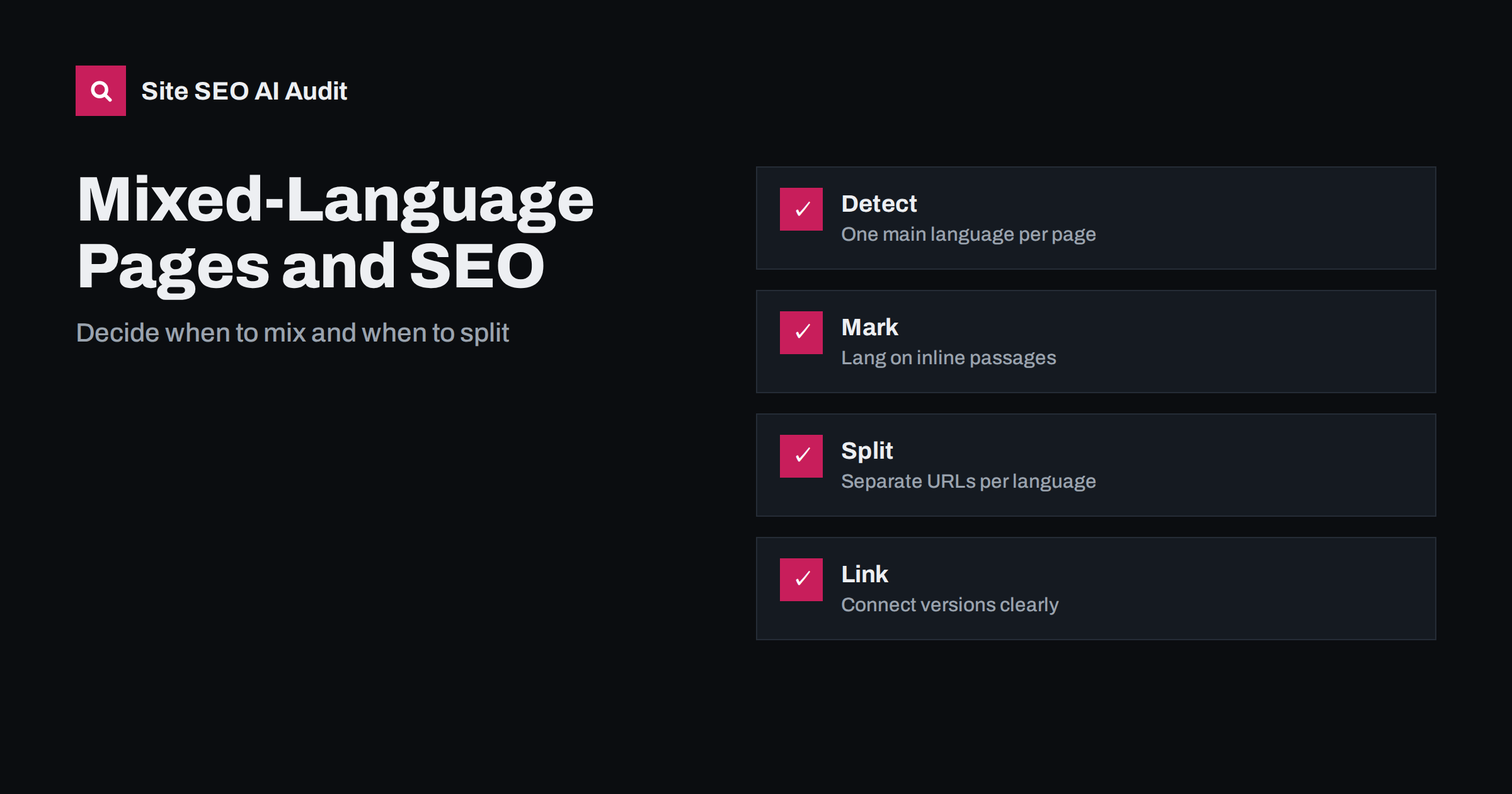
Short answer: Search systems expect one main language per page. Short quotes, names and technical terms in another language are fine, but whole sections in two languages blur what the page is about and make language detection less certain. Give each language its own address with a correct lang attribute and reciprocal hreflang links, mark short foreign passages with a lang attribute, and avoid mixing languages in titles, descriptions and headings unless your audience truly speaks that way.
Bilingual pages are common. A restaurant menu has dish names in the original language and a translation beside them. A language school shows examples in two languages. A business in a bilingual region writes each paragraph twice, one under the other. Some users write in a blend of languages. These choices may help visitors, but they raise questions for search: which language is this page, which queries should it match and which version should appear for which user? This guide explains how to decide and how to keep the signals clean. For the detection process, read how Google detects the language of a page.
Why one main language per page works best
Search systems classify each page by its main language to decide which searches it can answer. When a page has two equally large blocks of text in different languages, the classification may flip between them, or be wrong for both, and snippets may show text in the language that the searcher did not want. The page also competes with itself: the same topic in two languages dilutes the signals that would support one clear page. Giving each language its own page makes the target clear and lets you write a title and description in the right language for each audience.
Where mixing is fine
Not every foreign word is a problem. Brand and product names, quotations, titles of books and films, technical terms, place names and code samples may stay in their original form inside a page written in another language. A language-learning page may show example phrases in the language being taught. A recipe may keep the name of a dish and explain it. What matters is the proportion and the purpose: the main text, the headings and the user interface should be in one language, with the other language appearing as a small, clearly marked part.
Mark short passages with the lang attribute
Use the lang attribute on the element that holds a foreign phrase, so that browsers, screen readers and search systems know the language of that part. Set the main language on the root element of the page, and add the attribute only where the language changes. Screen readers use it to pronounce text correctly, which is a real accessibility gain. Do not add the attribute to whole pages that are not in that language, and do not use it as a substitute for translation. The basics are in the HTML lang attribute guide.
Split large bilingual content into separate URLs
If a page contains two full versions, one after the other or side by side, split it. Create one address for each language, each with the full content in that language, its own title, description and headings, and links to the other version. Use a clear address structure, such as a language folder, as discussed in ccTLD, subdomain or subfolder. A language switcher that leads to the other page keeps the user path simple, which is covered in language switcher best practices. Avoid switching languages by a script that changes the text on the same address, because crawlers see only one version.
Connect the versions with hreflang
When two pages are translations of each other, tell search engines with reciprocal hreflang annotations: each version lists itself and the other, with the correct language codes, and every link has a return link. Add an x-default entry where a neutral choice makes sense. Do not use hreflang for pages that are not true equivalents, and do not point both language codes at the same address. Errors in this area are among the most common, and the methods for checking them are in fixing hreflang return links.
Handle titles, descriptions and headings
Titles and descriptions are shown to searchers, so write them in the language of the page and the language of the query you want. A title in two languages takes up space and reads awkwardly, and a search engine may rewrite it. For bilingual regions, write two pages, each with a title in one language. If your brand name has a different form in each language, use the form that people search for in that language. The advice on translating titles is in translating title tags and meta descriptions.
Think about the way people search
In many places, people mix languages in everyday speech and sometimes in queries: a local word in a sentence of another language, a product term in English inside a query in another language, or the same query written in two scripts. Look at real queries in Search Console and in keyword tools, and see which form your audience uses. If many users search in a blend, a page can include the key terms in both forms in a natural way, for example by mentioning the common English term once next to the local one. This is different from repeating the whole page. The related topic of two scripts is in transliteration and SEO.
Check how the pages are indexed
After you separate or mark up your content, test it. Search for a distinctive phrase from each language version and see which address appears. Use the inspection tool in Search Console to view the page as Google sees it and check the language-related data in the performance report by country and query. If the wrong version ranks for a market, review the links, the hreflang tags and the content balance. Remember that machine-translated text added to fill a page can hurt quality, as explained in machine translation and SEO.
Keep the user in mind throughout. A visitor who lands on a page in the wrong language should see a clear and friendly way to reach the right one, without being forced by an automatic redirect. Offer the choice at the top of the page, remember it for the next visit and let search engines reach every version without a login or a cookie. Test on a phone, since the switcher and the language labels often break on small screens, and write the labels in each language so that people recognise their own.
Finally, document your language policy. Decide which languages the site supports, which addresses belong to each, how new content is translated and who checks it. A written policy prevents the slow drift into mixed pages, where editors add a sentence in the other language here and a translated heading there. When every contributor follows the same rule, the site stays tidy, and the signals that search engines read remain clear.
Consider a concrete case. A clinic in a bilingual city publishes each service page with the local language on top and the second language underneath. Visitors like it, but the pages rank poorly for both languages, snippets show a mix of the two and the page titles are too long. The fix is to create two pages for each service: one complete page in each language, with its own title, description and headings, linked by hreflang and by a visible language switcher. The old address is kept for the main language, and the second language moves to a new address. After the change, each page is classified clearly, snippets are in one language and the clinic can see in Search Console which version serves which audience.
There are also cases where one page is the right answer. A dictionary entry, a lyrics page with a translation, a bilingual legal notice required by law or a course page whose purpose is to teach a phrase naturally contains two languages. In these cases, make the structure explicit: use a lang attribute on each block, keep the headings and the surrounding explanation in the main language, and give the page a title that describes the purpose. Accept that such a page may rank for one language more than the other and judge it by its value to the visitor. Do not duplicate the page into two near-identical copies unless each copy can stand on its own.
Site SEO AI Audit crawls your site and checks hreflang return links, broken language versions, x-default and lang attributes, so you can find pages where the language signals disagree. It does not translate your content or decide your language policy. The first audit of up to 200 pages is free; larger sites can see the pricing page.
Related reading
- What Is hreflang?
- Multilingual vs Multi-Regional Sites
- What to Do With Untranslated Pages
- SEO for Multilingual Countries
The bottom line
Keep one main language per page, mark short foreign passages, split full bilingual content onto separate addresses, connect translations with correct hreflang and write titles in the page language.
FAQ
Can a page contain two languages?
Short phrases, names and quotations are fine. Large sections in two languages should become separate pages.
Should I put both languages in the title tag?
Usually no. Write the title in the language of the page and create a second page for the other language.
Does the lang attribute help rankings?
It is not a ranking factor, but it supports accessibility and clear signals. Use it for the page and for foreign passages.
Is a side-by-side bilingual layout bad for SEO?
It makes the main language unclear. Separate addresses with hreflang are clearer and easier to measure.
How do I check which language Google assigned?
Inspect the page in Search Console, search for a phrase from it and review results by country and query for the right audience.