 ENEnglish
 LTLietuviškai
 DEDeutsch
 FRFrançais
 RUРусский
 ESEspañol
 PLPolski
 ITItaliano
 UKУкраїнська
 CSČeština
 PTPortuguês
 JA日本語
JA日本語 LVLatviešu valoda
 ETEesti
 HUMagyar
 IDBahasa Indonesia
 TRTürkçe
 HIहिन्दी
 ELΕλληνικά
 ARالعربية
 THไทย
THไทย VITiếng Việt
 RORomână
 MSBahasa Melayu
 BNবাংলা
#Crawling
Crawling is how search engines discover and download the pages of a website. Articles tagged here explain how crawlers find URLs through links and sitemaps and how they decide what to fetch again. They cover crawl budget, crawl traps, server errors and slow responses. Each guide shows how to see your site the way a crawler sees it. You will learn which fixes make crawling faster and cleaner. A page that is never crawled can never be indexed or ranked.
 12 ส.ค. 2026 · อ่าน 7 นาที
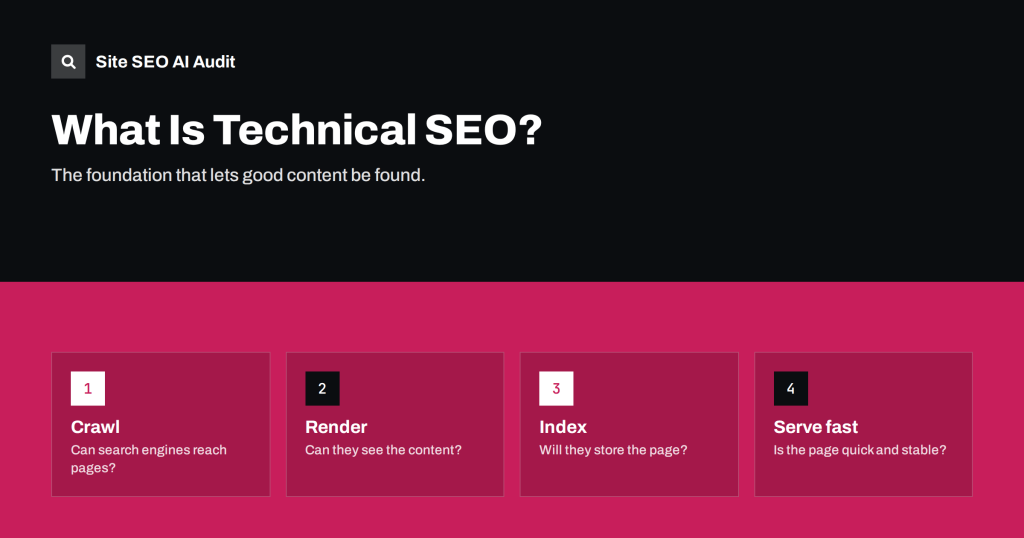
What Is Technical SEO? A Plain Guide for Site Owners
Technical SEO without jargon: what it covers, how search engines crawl, render and index a site, and which technical issues to fix first on…
 10 ส.ค. 2026 · อ่าน 8 นาที
Click Depth in SEO: Why Buried Pages Struggle to Rank
Click depth is how many clicks a page is from the home page. Learn why deep pages get crawled and ranked less, what depth…
 9 ส.ค. 2026 · อ่าน 8 นาที
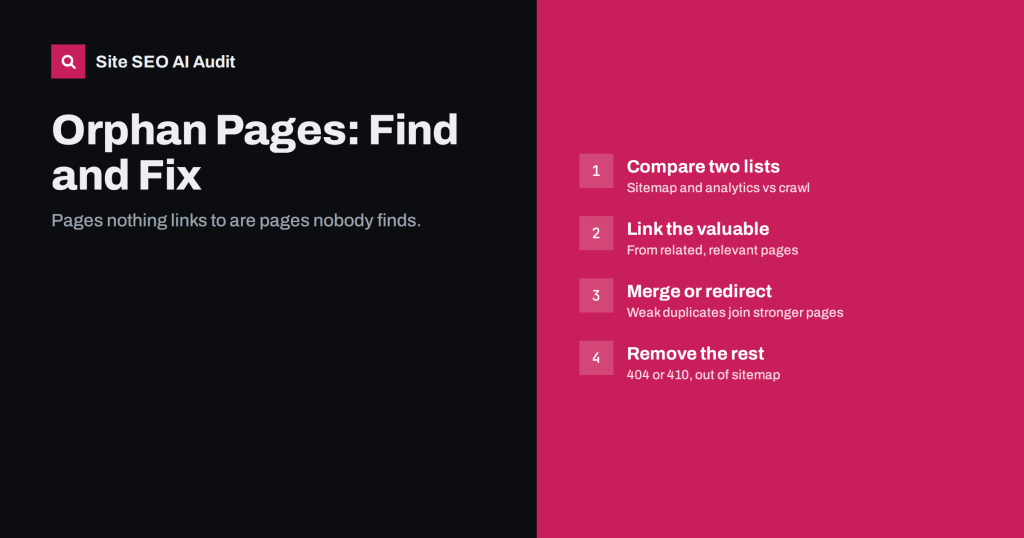
Orphan Pages: How to Find Them and What to Do With Each
Orphan pages have no internal links, so search engines and visitors rarely find them. How to find every orphan on your site and decide…
 7 ส.ค. 2026 · อ่าน 8 นาที
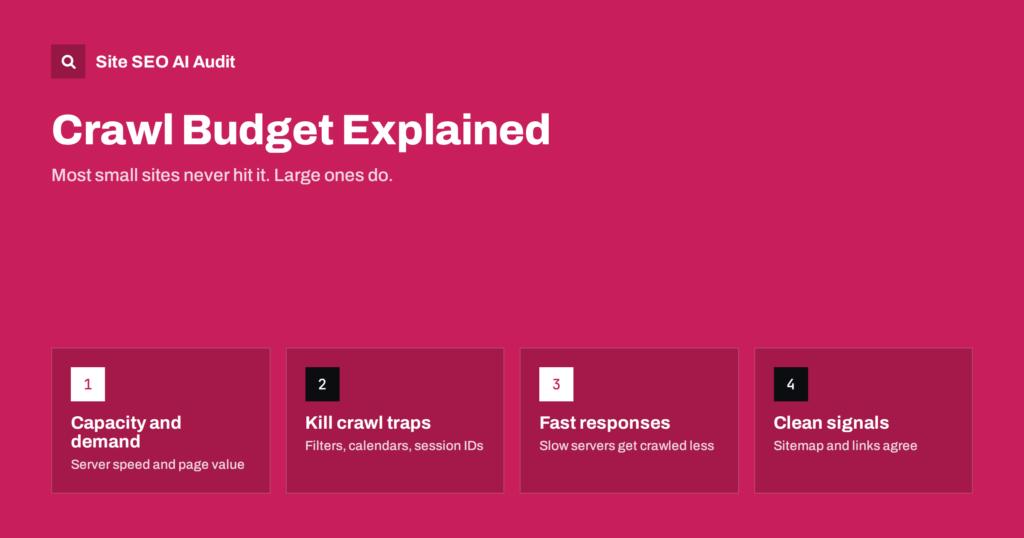
Crawl Budget Explained: When It Matters and How to Save It
What crawl budget really is, which sites need to care about it, and the practical fixes that stop search engines wasting time on URLs…
 6 ส.ค. 2026 · อ่าน 7 นาที
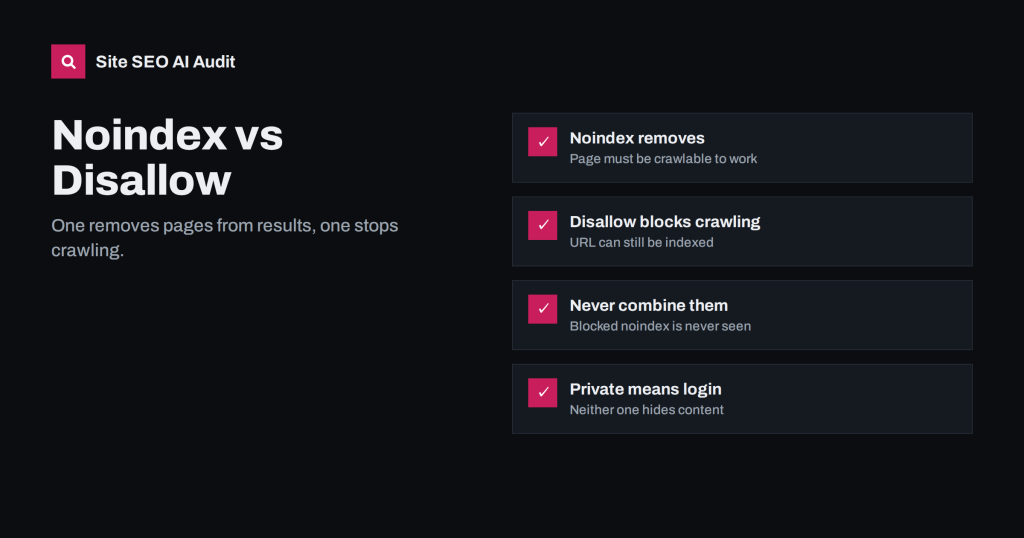
Noindex vs Disallow: How to Keep Pages Out of Search
Noindex and robots.txt Disallow solve different problems. Learn which removes pages from search, which saves crawl time, and why combining them backfires.
 4 ส.ค. 2026 · อ่าน 7 นาที
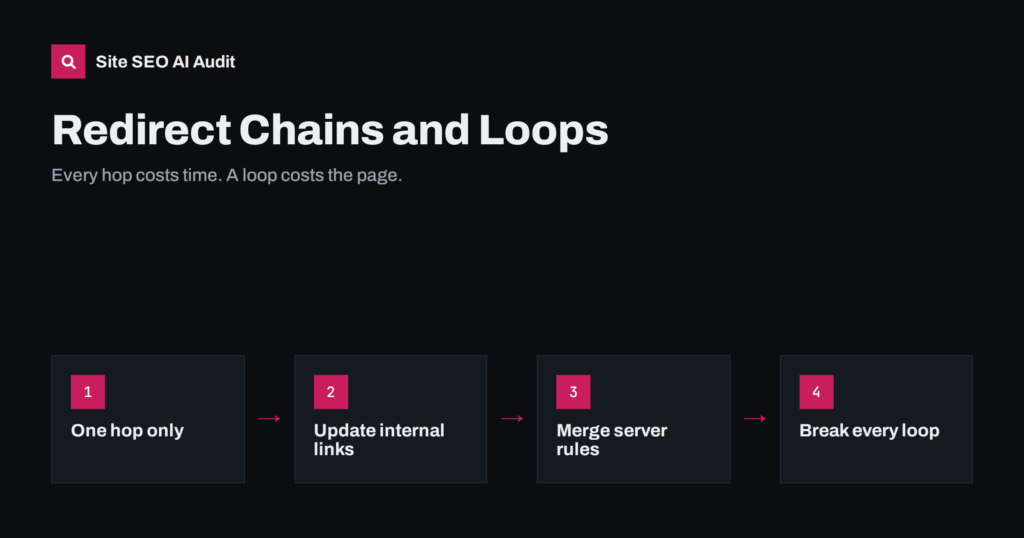
Redirect Chains and Loops: How to Find and Fix Them
Redirect chains slow pages and waste crawl time; loops break them entirely. Learn how they form, how to find every one on your site…
 3 ส.ค. 2026 · อ่าน 8 นาที
XML Sitemap Best Practices: What to Include and Leave Out
How to build an XML sitemap search engines trust: which URLs belong in it, which do not, size limits, lastmod, sitemap indexes and how…
 1 ส.ค. 2026 · อ่าน 8 นาที
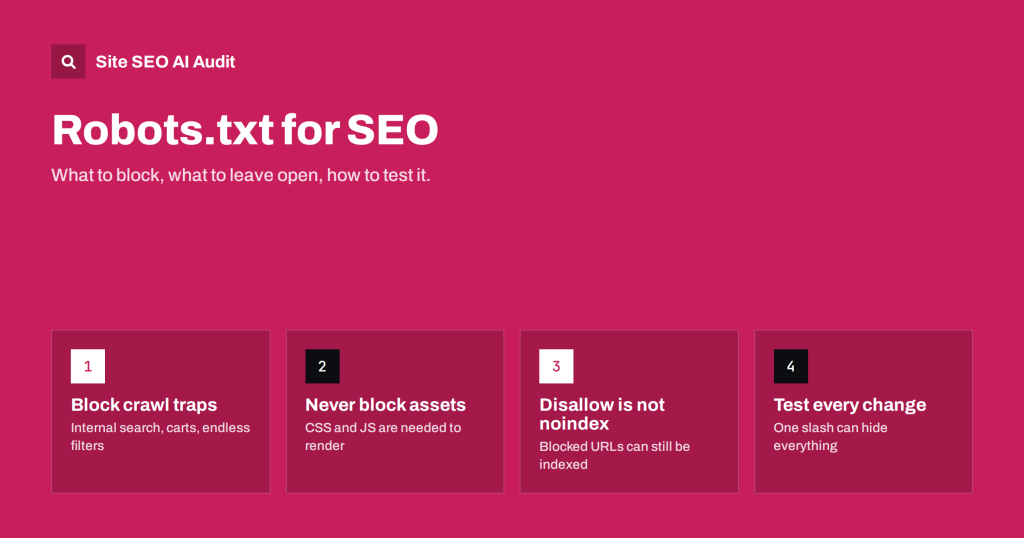
Robots.txt for SEO: What to Block and What to Leave Open
A practical robots.txt guide: how rules are matched, what to block, what never to block, and how to test the file before one line…