 ENEnglish
 LTLietuviškai
 DEDeutsch
 FRFrançais
 RUРусский
 ESEspañol
 PLPolski
 ITItaliano
 UKУкраїнська
 CSČeština
 PTPortuguês
 JA日本語
 LVLatviešu valoda
 ETEesti
 HUMagyar
 IDBahasa Indonesia
 TRTürkçe
 HIहिन्दी
 ELΕλληνικά
 ARالعربية
 THไทย
 VITiếng Việt
 RORomână
 MSBahasa Melayu
 BNবাংলা
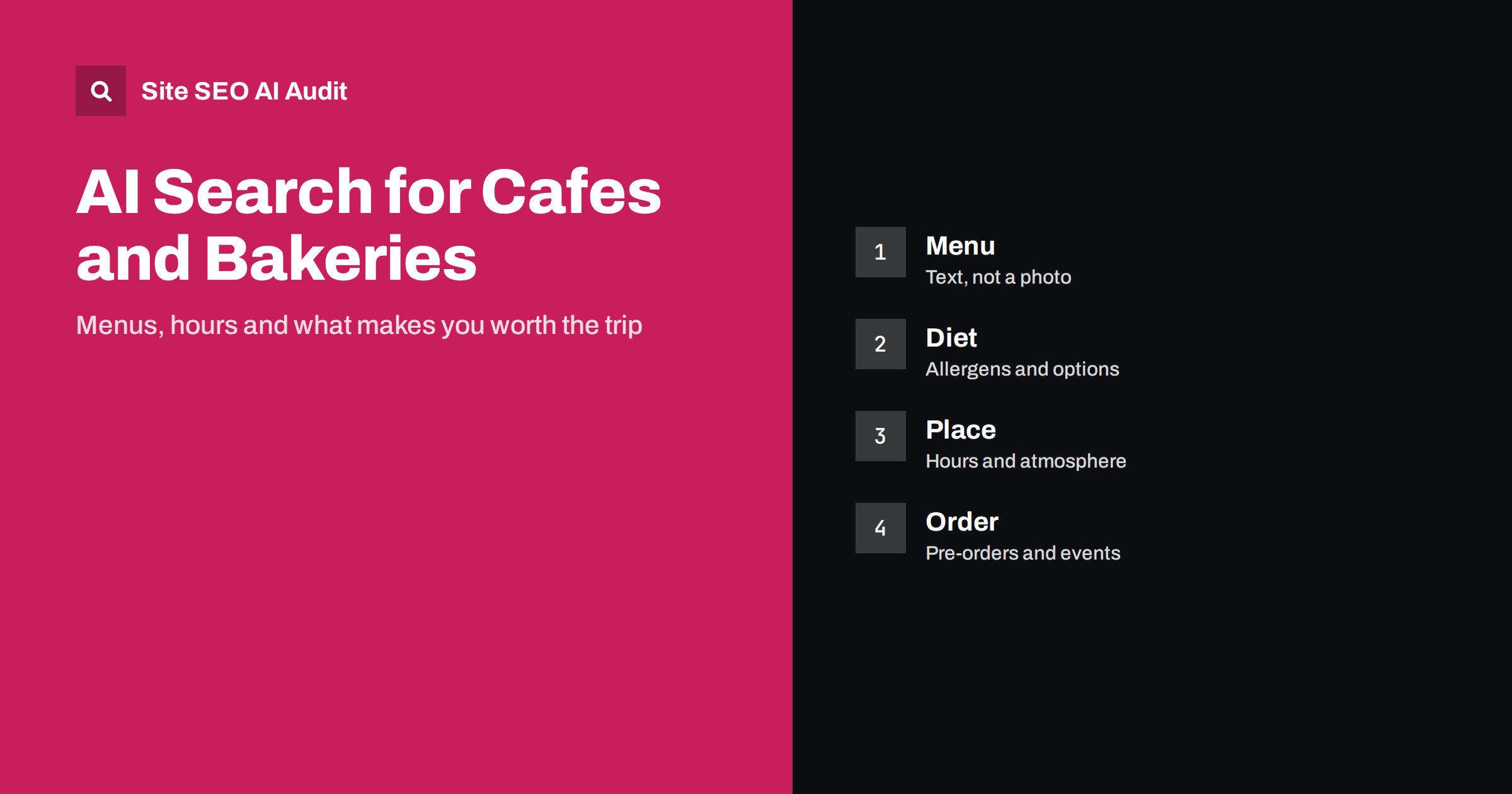
Short answer: People ask assistants for a quiet cafe to work in, a bakery with gluten-free bread, or the best coffee nearby. Independent cafes and bakeries that appear in answers publish the menu as real text with prices and dietary information, accurate hours, a description of the place and what it is good for, photos with descriptive text, clear ordering and pre-order options, and consistent details across their site and public profiles. A PDF menu or a social feed alone is not enough.
Coffee shops and bakeries depend on foot traffic, regulars and word of mouth, so many run their online presence from a social account and a map listing. That works until a customer asks an assistant for something specific: “a cafe with oat milk and vegan pastries open before eight” or “a bakery that makes birthday cakes to order”. If the answer is not written on a page, the assistant cannot give it. This guide shows how to publish what makes your place special in a way that machines and customers can read. For restaurants, see the restaurant guide; this one focuses on the smaller, everyday places.
What people look for
Searches fall into several groups. Practical: open now, near me, parking, free wifi, outdoor seating, dog friendly, wheelchair accessible. Product: specialty coffee, single origin, sourdough, croissants, vegan or gluten-free options. Occasion: a place to work, to meet friends, to take children, to order a cake. Order: whether you take reservations, offer takeaway, deliver or accept pre-orders.
Write down the questions that regular customers and new visitors ask at the counter and in messages. Each frequent question is a page section waiting to be written, and the answers are often simple facts that you know by heart.
Publish the menu as text
The menu is your most important content, and it is often a photo or a PDF that cannot be searched. Publish it as a web page with real text: items grouped into sections, short descriptions, prices and dietary labels. Keep it current, and show the date of the last update if the menu changes with the season. If you have a PDF for printing, make it an extra, not the only version.
Describe what makes items special, such as the roast and origin of your coffee, the grain and fermentation time of your bread or the local suppliers you use. This detail answers specialist queries and sets you apart from chains. Use descriptive headings so that a reader or an assistant can find “oat milk”, “sourdough” or “cardamom bun” easily. Details about general page structure are in the on-page SEO checklist.
Allergens and dietary information
Dietary questions are among the most important and the most sensitive. State clearly which items are vegan, vegetarian, dairy-free or gluten-free, and be careful about what you promise. If food is prepared in a kitchen that handles gluten, nuts or other allergens, say so honestly and explain how you reduce cross-contact. Provide an allergen list that follows the rules of your country and make it easy to find, with a note to ask staff.
Never claim that something is free from an allergen unless you are sure. Errors here can harm people and expose the business to liability. A clear, cautious statement helps customers decide and helps systems give accurate answers.
Hours, location and what the place is like
Opening hours must be exact, including holidays and seasonal changes. Update every place at once when they change: your site, your map listing, your social profiles. Provide the address, nearby parking and transport, and notes on accessibility such as step-free entrances and toilets. Mention seating, outdoor tables, power sockets, wifi, noise level and whether laptops are welcome, because those details drive many searches.
Describe the atmosphere in a sentence or two and show it with photographs that have descriptive alt text, as covered in the alt text guide. Structured data for local businesses ties these facts together, as explained in the LocalBusiness schema guide. Include the cuisine or category, price range and the accepted payment methods.
Orders, pre-orders and special requests
Bakeries and cafes earn a lot from orders. Explain how to order a custom cake, a large batch of pastries or catering for an office: lead times, minimum quantities, price guidance, deposit rules, pick-up or delivery options and how to contact you. Describe what can be customised, such as flavours, sizes and dietary versions, and show examples with prices.
For daily orders, show how to order ahead for pick-up, which items sell out early and how to use any ordering app. Make sure the order link works on a phone and that the confirmation tells people when to collect. Clear steps reduce missed orders and lead to good reviews, which feed local recommendations, as covered in the guide to reviews and AI recommendations.
Tell your story with facts
Customers like to know who is behind a place. Write an about page that says who started it, when, what you care about and where your ingredients come from. Use specifics: the name of the roaster, the farm that supplies the eggs, the oven you built, the awards you have won if you can prove them. Avoid vague claims like “the best coffee in town”.
A short page about sourcing, sustainability or community projects can add depth if it is genuine and supported by details. Such content builds the experience and trust signals that matter in the E-E-A-T and AI search guide. Introduce the team, especially the baristas, bakers and roasters, because people often look for a person they remember.
Wholesale, subscriptions and online sales
Many cafes and bakeries also supply other businesses or sell online. If you roast coffee, describe the beans, the roast profiles, the minimum order, delivery schedule and how a business can open an account. Offer a simple page for offices and restaurants that explains pricing tiers, equipment support and sample requests. If you sell subscriptions, explain frequency, how to pause or cancel and what happens when an item is out of stock.
Keep online shop pages consistent with the café pages: the same business name, the same description of sourcing and the same contact details. Explain shipping areas and times, packaging, and how to return or report a problem. Clear commercial information makes it easier for systems to understand that you serve more than one type of customer and to recommend you for each.
Keep a simple maintenance routine
Small teams do not have time for long processes, so keep the routine short. Each season, review the menu, prices, hours and event pages. Each month, check your listings and answer reviews. Each quarter, ask several assistants five typical questions, such as the best bakery for a birthday cake or a cafe with vegan options nearby, and write down what they say about you. If the facts are wrong, correct the source pages and the listings.
Ask your staff what customers ask about most in the shop and add those answers to the site. Often a single sentence about oat milk, a note about wifi or a better photo of the entrance resolves a recurring question. Small improvements, added regularly, build a site that serves customers and is easy for assistants to quote accurately.
Events, courses and seasonal offers
Cafes increasingly host tastings, baking classes, pop-ups and small events. Create a page for each event with date, time, price, capacity, how to book and what is included, and keep past events as a short archive. Seasonal products, such as holiday loaves or summer drinks, deserve a page that you update every year at the same address, as explained in the seasonal pages guide.
If you sell beans, equipment or gift boxes online, give each product a clear page with description, origin, roast level or ingredients, weight, price, shipping and storage tips. Even a small shop can follow the practices in the guide to product pages and AI shopping.
One more point deserves attention: photographs. Food and drink are visual, so images do much of the selling. Use real photos of your own products and space, name the files clearly, write alt text that says what is shown, and compress the images so that the menu page loads fast on a phone. Avoid stock images that misrepresent what customers will receive. When a product changes, replace the picture so that the page never shows something you no longer make.
Site SEO AI Audit crawls your website and checks status codes, titles, descriptions, headings, image alt text, broken links, structured data, page speed and AI visibility settings, which helps you find menu or event pages that are broken or missing text. It does not verify allergen information or opening hours. The first audit of up to 200 pages is free, and larger sites can see the pricing page.
Related reading
- Local Business AI Search
- AI Search for Breweries, Wineries and Beverages
- AI Search for Farms and Food Producers
The bottom line
Put the menu, dietary details, hours and ordering rules in text, and keep every public listing consistent.
SSS
Is a PDF menu enough?
No. Publish the menu as web text so that it can be searched, quoted and read on any device, and keep a PDF only as an extra.
How should I mark gluten-free items?
Label them only if you are sure, explain cross-contact risks honestly and tell customers to ask staff about allergies.
Do small cafes need structured data?
It helps. LocalBusiness data with hours, address and cuisine makes the key facts clear to machines.
How often should I update opening hours?
Whenever they change, and check before holidays. Update the site and every profile on the same day.
Should I post my story on the website?
Yes, with specific facts about people, sourcing and methods. It builds trust and supports recommendations.


