ENEnglish
 LTLietuviškai
 DEDeutsch
 FRFrançais
 RUРусский
 ESEspañol
 PLPolski
 ITItaliano
 UKУкраїнська
 CSČeština
 PTPortuguês
 JA日本語
 LVLatviešu valoda
 ETEesti
 HUMagyar
 IDBahasa Indonesia
 TRTürkçe
 HIहिन्दी
 ELΕλληνικά
 ARالعربية
 THไทย
 VITiếng Việt
 RORomână
 MSBahasa Melayu
 BNবাংলা
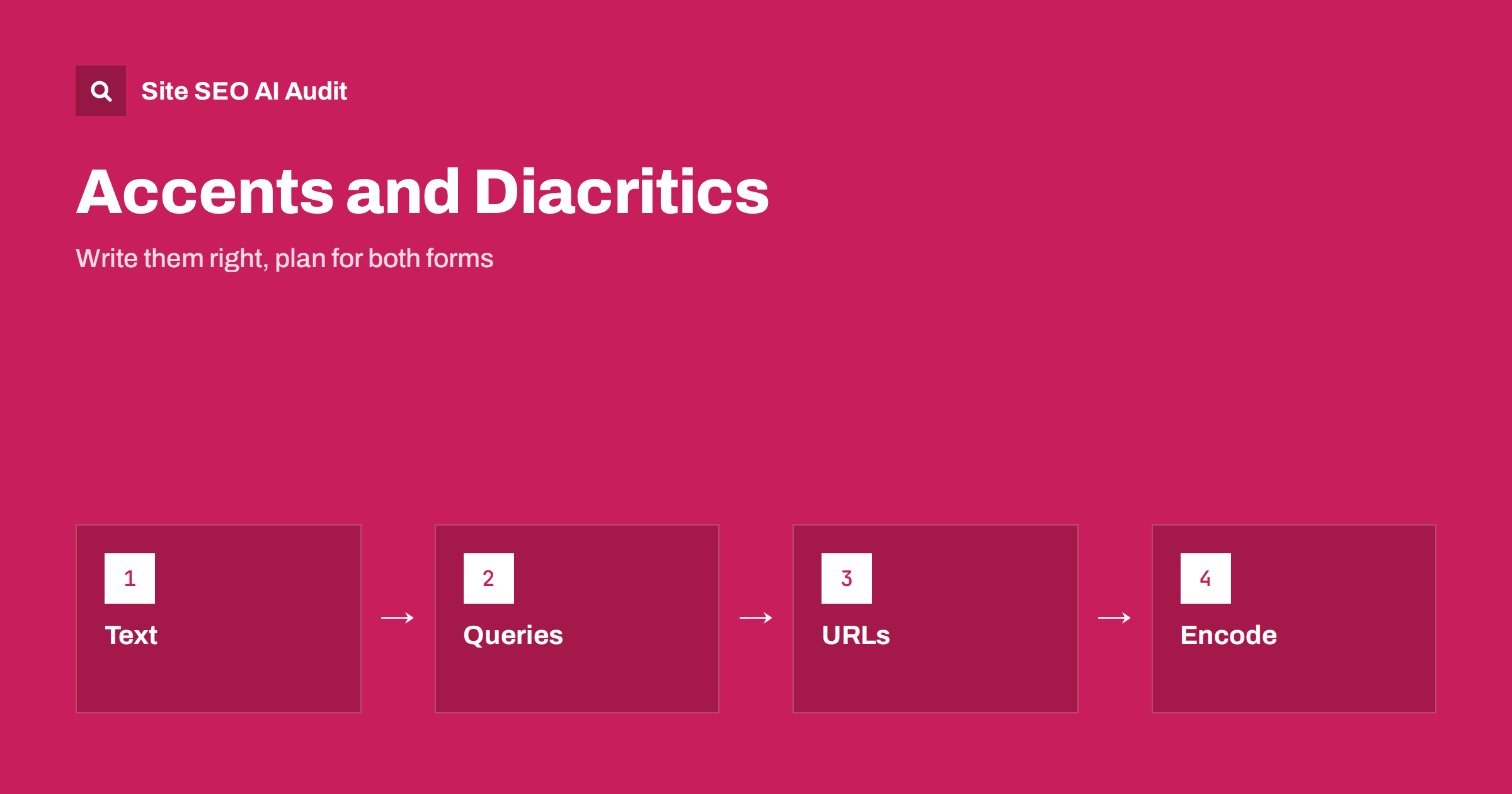
Short answer: Write visible text, titles and headings with the correct accents and special letters, because that is what readers expect and what search engines can understand. People often type queries without accents, and search engines usually connect the two forms in many languages, but not always. Check real queries in both forms, choose one clear rule for URLs and use UTF-8 everywhere so that characters are never damaged.
Many languages use letters with marks above, below or through them: the accents of French and Spanish, the umlauts of German, the hooks and dots of Central European and Baltic languages, the special letters of Turkish and the Nordic languages. On a phone or an old keyboard, people often skip these marks. Website owners face questions: should the page say the correct form, should the address use plain letters, and will search treat them the same? This guide answers these questions with practical rules. For the related topic of writing words in another script, see the guide to transliteration.
How search engines treat diacritics
For many languages, search engines can connect a query typed without marks to pages written with them, because they model how people write and search. A visitor who types a word without accents will often still see results with the correct form. But this is not guaranteed for every language, word and situation. In some languages the mark changes the meaning of the word, so the two forms are different words. A well-known example is the Turkish letter with a dot and the one without, which are separate letters, and some pairs of words differ only by an accent.
The safe approach is not to depend on the engine’s guess. Write the correct form in the page text, and where your audience often uses the plain form, make sure that your page can also match it, for example through the URL, a short mention in the text or a related phrase. The right answer depends on your language, so use real query data.
Check what your audience types
In Search Console, look at queries for your site in the target country and language. Check how often the plain form appears next to the accented one, and which of them brings clicks. Use keyword tools carefully, since they may combine or separate the two forms. Also try searching both forms yourself in the same country and compare the results. If the results are nearly identical, the engine treats them as the same, and you can use the correct form without concern. If they differ, plan a page that serves the dominant form well and consider whether a separate page is justified, as described in the guide to multilingual keyword research.
Remember that mobile users, older users and people typing quickly are more likely to skip marks. The share varies by language and device, so look at your own data and not at general claims.
Titles, headings and text
Use the correct spelling in every visible place: title tags, descriptions, headings, body text, image alt text and navigation. A page that omits marks in a language that uses them looks careless to readers and may be less trusted. It can also create ambiguity where words differ only by marks. Do not repeat the same word in both forms for the sake of ranking. That reads as keyword stuffing, as discussed in the guide to fixing keyword stuffing.
If you know that many people search without marks, a small number of natural signals can help, such as an FAQ question written the way people type, or a note on the page about alternative spellings. The page must still read naturally for the human visitor. The advice for titles in particular is in the guide to title tags and, for other scripts, the guide to title length in non-Latin scripts.
URLs and slugs
For addresses there are two choices: keep the special characters, which are then encoded in the address, or convert them to plain letters. Modern systems and search engines can handle both. The encoded form looks longer when copied, because each special letter becomes a sequence of percent codes, and some tools and older systems may display or break it. The plain form is shorter and easy to type and share but loses the exact spelling, and different conversion rules can create different results for the same word.
Whichever you choose, apply the same rule everywhere, do not mix both forms for the same page and set a canonical address. If two addresses show the same content, redirect one to the other. More advice is in the guide to translating URL slugs and the guide to SEO-friendly slugs. For domain names with special letters, see the guide to internationalised domain names.
Document the conversion table. For example, decide how each special letter becomes a plain letter, in line with local custom, so that editors do not invent their own and create duplicates.
Encoding and technical points
Use UTF-8 for pages, databases, feeds, sitemaps, forms and exports. Declare the encoding in the HTTP header and the page head, and make sure that every layer handles it, because one old step can turn letters into question marks or strange symbols. Test with real text from each language in titles, descriptions, structured data and URLs. Details are in the guide to character encoding.
Watch for problems when text is copied from word processors or generated by tools that change quotation marks, dashes and letters. In sitemaps and hreflang annotations, make sure addresses with special characters are encoded correctly and consistently. Also check the way your site search and filters handle accents, because a visitor who types a word without marks should find the same products.
Internal search and navigation
Visitors expect the site’s own search to be forgiving. Configure it to treat accented and plain letters as equal in the languages you use, to handle typical typing mistakes and to show the correct form in results. Use the data from the internal search to learn which forms people type, and use it to improve pages and synonyms. If a search returns nothing for a common plain form, you lose visitors who would have bought or read.
The same applies to alphabetical lists and filters. Sort names according to the rules of the language, not by raw character codes, so that accented letters appear where readers expect them.
Names, brands and products
Brand names with special letters need a decision. Write the official form on the site and in markup, and consider how people will type it. If your brand includes a letter that many keyboards lack, make sure that variations lead to the right place, and mention the plain form once where it makes sense. Keep the same spelling in social profiles, business listings and marketplaces to avoid confusion, as discussed in the guide to brand and product names across languages.
For personal names and places, use the correct form in text and, where useful, give the common international spelling next to it. This helps both local and foreign readers and gives search engines clear signals about which entity you mean.
Structured data, feeds and external listings
Special characters travel through many systems besides your pages: structured data, product feeds, business listings, e-mail templates and social previews. Each step can damage them or apply a different rule. Check that the name in your markup is identical to the visible name, that product feeds use the same spelling as the product pages and that listings on maps and marketplaces show the correct form. Errors here create mismatches that look like different entities.
When you export data to spreadsheets, remember that some programs open files with the wrong encoding and corrupt the letters on save. Use a format and a procedure that keep UTF-8, and test a small sample every time the process changes. A short checklist for editors, with a few test words from each language, is a cheap way to catch problems before they reach the live site.
A short checklist
Use this list when you review a site. Is every visible text written with the correct letters? Do titles and headings use the same spelling as the body? Is there one documented rule for converting letters in addresses? Are addresses with both forms redirected to one version? Is UTF-8 declared and tested in pages, feeds and sitemaps? Does the internal search find results for both forms? Do brand and place names appear in the same form across profiles and listings? Answering these questions takes an hour and prevents most of the problems described above.
Here is a short example. A guesthouse in a country with many special letters used plain letters everywhere on its site to be safe. Its pages looked unprofessional to local guests, and a rival with correct spelling won the local listings. The owner changed visible text and titles to the correct form, kept plain-letter addresses with one conversion rule and added an FAQ using the way guests type. Local click rates improved.
A second example is a shop whose search returned nothing for plain-letter queries of product names. After configuring the search to ignore marks, the rate of searches with no results fell.
Site SEO AI Audit crawls your site and checks titles, descriptions, headings, hreflang, lang attributes, status codes, redirects and broken links, which helps you find inconsistent addresses and duplicates across language versions. It does not decide the spelling of words in your language. The first audit of up to 200 pages is free, and larger sites can see the pricing page.
Related reading
The bottom line
Use correct letters in what people read, pick one clear rule for addresses and check real queries in both forms.
FAQ
Do accents matter for rankings?
Search engines often connect both forms, but not always, so use correct spelling in text and check your real queries.
Should URLs have special characters?
Either works if you apply one rule consistently. Plain-letter addresses are shorter, while encoded ones keep the exact spelling.
Can I use both forms in the same title?
It is better not to. Write the correct form and add alternative forms only where they fit naturally, for example in a question.
What encoding should I use?
UTF-8 everywhere: pages, databases, feeds, sitemaps and forms.
Should my site search ignore accents?
Yes, for languages where people often skip them, so that both forms find the same results.