 ENEnglish
 LTLietuviškai
 DEDeutsch
 FRFrançais
 RUРусский
 ESEspañol
 PLPolski
 ITItaliano
 UKУкраїнська
 CSČeština
 PTPortuguês
 JA日本語
JA日本語 LVLatviešu valoda
 ETEesti
 HUMagyar
 IDBahasa Indonesia
 TRTürkçe
 HIहिन्दी
 ELΕλληνικά
 ARالعربية
 THไทย
THไทย VITiếng Việt
 RORomână
 MSBahasa Melayu
 BNবাংলা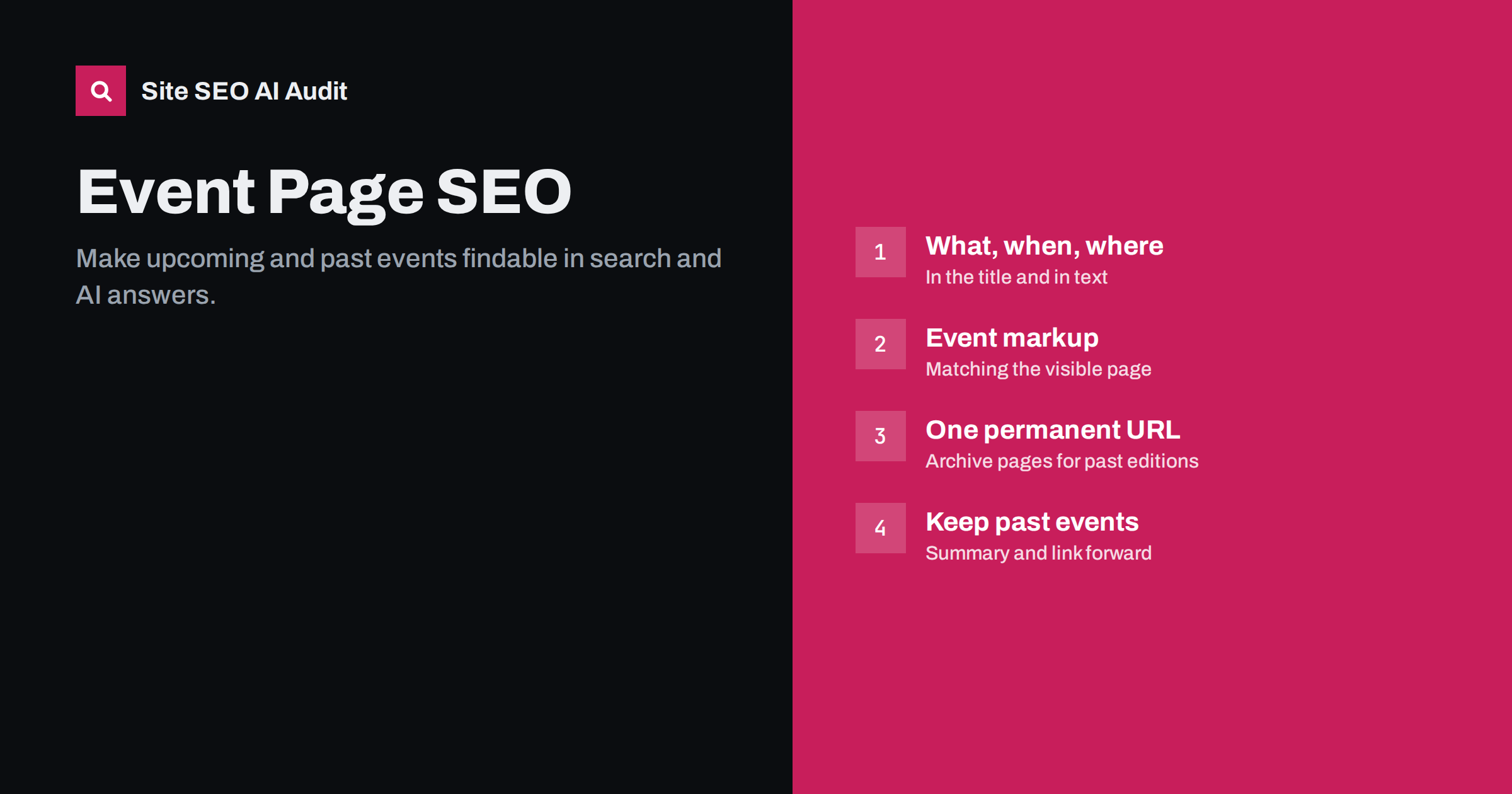
Short answer: A good event page names the event, date and place in the title, states every key fact in text near the top (dates, times with time zone, venue or online format, price, how to register) and uses Event structured data that matches the visible page. For recurring events, keep one permanent URL that you update each edition and archive past editions separately. When an event is over, do not delete the page: mark it as past, add a summary and link to the next edition. Cancelled or postponed events should say so clearly on the page and in the markup.
Why event pages need special care
Event pages have a short, intense life. They must be found in the weeks before the event, often compete with ticket platforms and listing sites, and then become outdated overnight. Many organisers publish them late, with little text, and delete them afterwards. The result is that each edition starts from zero in search.
Search engines also treat events as a special content type. Google can show events in dedicated event listings when pages provide clear event information and valid markup. AI assistants answering questions like “what’s on in Kaunas this weekend” or “marketing conferences in October” need exact dates, places and formats, stated unambiguously.
The good news: most of the work is structural and repeatable. Once a template is right, every new event benefits.
Titles and headings that answer “what, when, where”
People search for events by name, by type and place (“jazz concerts Vilnius”), and by time (“workshops next week”). Put the essential identifiers in the title:
- Event name. The official name, spelled as people will search it.
- Date or month. “14 November” or “November 2026”. For events, including the year is sensible, because the page is genuinely time-bound.
- Place or format. City, venue or “online”.
Examples: “Example Summit 2026 – 14 November, Riga” or “Beginner Pottery Workshop, Saturdays in Kaunas”. Keep titles within about 60 characters, as explained in how to write title tags. The H1 can repeat the name, with date and place immediately below it.
For event series with many dates, such as weekly classes or touring shows, avoid one page per date with nearly identical text. A single page for the series with a list of upcoming dates is usually stronger, and each date can still be described in Event markup. Create separate pages only when dates differ in real content, for example a different city, programme or line-up. That keeps the site free of thin, short-lived pages that compete with each other.
Put the key facts in text, near the top
Event pages are often built from a banner image, a countdown and a booking button. The facts are in the image or inside a ticketing widget. Put them in plain text right under the H1:
- Date and time, including the time zone for online events or international audiences.
- Venue name and full address, with a map link, or the platform for online events.
- Format: in person, online or both.
- Price or “free”, including early bird deadlines if they apply.
- How to register, with a clear link.
- Who it is for and what attendees will get.
- Organiser and contact details.
A short summary box with these points works well for visitors and makes the page easy for search engines and AI systems to parse. Below it, add the programme, speakers or performers, practical information (parking, accessibility, dress code, language of the event) and an FAQ.
Event structured data
Event markup (schema.org Event) describes the event in a machine-readable way and makes the page eligible for event features in Google. The most important properties are:
name,startDateandendDatein ISO 8601 format with time zone offset, for example2026-11-14T09:00+02:00.location: aPlacewith name and address, or aVirtualLocationwith a URL for online events.eventAttendanceMode: offline, online or mixed.eventStatus: scheduled, cancelled, postponed, rescheduled or moved online.offers: price, currency, availability and the ticket URL.organizer,performer,imageanddescription.
Google documents the requirements in its Event structured data guide. Use markup for real events with a specific date only; promotions and sales periods are not events. Validate the markup, and keep it in sync with the visible text, because conflicting dates are a common error. Our guide to fixing structured data errors covers validation.
One URL or one per edition?
For events that repeat yearly or regularly, the URL structure decides whether search strength builds up or restarts every time.
| Approach | Example | Pros | Cons |
|---|---|---|---|
| Permanent main URL, updated each edition | /example-summit/ |
Links and rankings accumulate year after year | Past details need a separate archive |
| New URL per edition only | /example-summit-2026/ |
Clean record of each edition | Each edition starts from zero; old pages compete |
| Both: permanent URL plus archive pages | /example-summit/ and /example-summit/2025/ |
Strength builds up and history is kept | Slightly more maintenance |
The combined approach usually works best: the permanent URL always shows the next edition, and each past edition gets an archive page linked from it. The same principle applies to other recurring pages, as described in seasonal pages and SEO.
After the event: keep, update, link
Deleting event pages after the event throws away links, mentions and search history. Instead:
- Mark the event as past at the top: “This event took place on 14 November 2026.”
- Add a summary: highlights, photos, recordings or slides, key takeaways. This turns the page into useful content.
- Link to the next edition or to similar upcoming events.
- Update or remove the Event markup for past dates on the main URL when you switch it to the next edition.
- Remove registration buttons and ticket offers that no longer work.
For one-off events without future editions, keep the page with the summary, or merge it into a broader archive page and redirect it there. Use a 404 or 410 only for pages with no value and no links. The logic is similar to handling discontinued products.
Cancelled, postponed and moved events
Changes happen, and both visitors and search engines need to know immediately:
- Keep the same URL. Do not create a new page for a new date.
- State the change prominently at the top of the page, with the new date or format if known.
- Update
eventStatusin the markup (for example cancelled or postponed), and for a rescheduled event update the dates and keeppreviousStartDate. - Explain what happens to tickets.
- Update listings on ticketing and event platforms at the same time, so sources do not contradict each other.
Event listings, ticket platforms and your own page
Ticketing platforms and event aggregators often outrank organisers for their own events, because they have strong domains and complete event data. You cannot always beat them, but you can make your page the most complete source:
- Publish your event page before you list the event elsewhere, and link from listings back to your page where the platform allows it.
- Give your page information that listings lack: full programme, speaker details, practical tips, venue photos, FAQ.
- Link to the event page from your home page, news or blog posts, and relevant service pages while the event is upcoming. Internal linking gives a new page the push it needs to be found in time.
- Publish early. Pages published a few days before the event often have too little time to be discovered and ranked.
Checking event pages at scale
Sites with many events, such as venues, training providers and associations, tend to accumulate issues: duplicate titles like “Event | Venue name”, missing descriptions, invalid Event markup, expired pages still carrying old dates, broken ticket links and orphaned archive pages. Site SEO AI Audit crawls every page and reports on-page, link and structured data issues, including invalid JSON-LD, weighted by how many pages they affect. That shows whether a template problem affects every event at once. You can run the first audit free.
Related reading
- Location pages for SEO: how to avoid duplicate city pages
- Content dates and freshness: why AI answers care
- Landing page SEO: how to build landing pages that can rank
The bottom line
Event pages succeed when they state what, when and where clearly in text, carry valid Event markup that matches the page, and are published early enough to be found. Use a permanent URL for recurring events with archive pages for past editions, keep pages after the event with a summary and a link forward, and update the page and markup immediately when an event changes.
FAQ
Should I include the year in an event title?
Yes, for a specific edition. Events are time-bound, and the year helps searchers see that the information is current. On a permanent URL, update the year when you switch to the next edition.
Should I delete event pages after the event?
Usually not. Mark the event as past, add a summary and link to the next edition. Old event pages often have links and searches that carry over to future editions.
Does Event markup work for online events?
Yes. Use a VirtualLocation with the event URL and set eventAttendanceMode to online, or to mixed for hybrid events.
How early should I publish an event page?
As early as the key facts are confirmed, ideally several weeks or months before. Search engines need time to discover and rank a new page, and early pages also collect links from listings and partners.
Can I use Event markup for a sale or promotion?
No. Event markup is meant for real events that take place at a specific time and place, online or offline. Sales and discount periods should not be marked up as events.


