ENEnglish
 LTLietuviškai
 DEDeutsch
 FRFrançais
 RUРусский
 ESEspañol
 PLPolski
 ITItaliano
 UKУкраїнська
 CSČeština
 PTPortuguês
 JA日本語
JA日本語 LVLatviešu valoda
 ETEesti
 HUMagyar
 IDBahasa Indonesia
 TRTürkçe
 HIहिन्दी
 ELΕλληνικά
 ARالعربية
 THไทย
THไทย VITiếng Việt
 RORomână
 MSBahasa Melayu
 BNবাংলা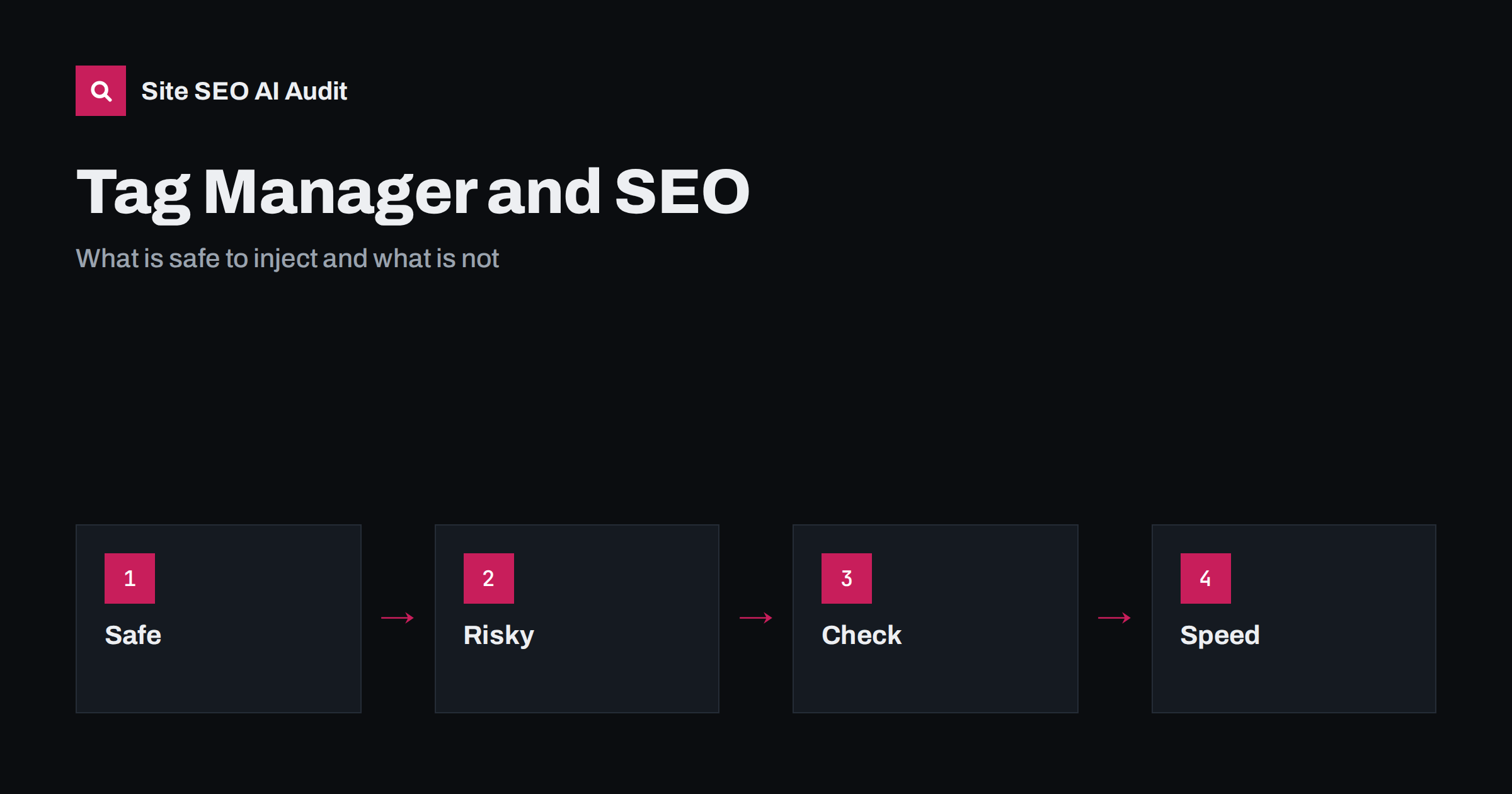
Short answer: A tag manager is safe for analytics, advertising pixels and consent tools, which do not affect how a page is indexed. It becomes risky when it is used to inject SEO elements such as titles, canonical tags, robots directives, structured data or main text, because those changes happen only after JavaScript runs. Google can often process them, but other crawlers and AI systems may not. Put important SEO elements in the server HTML whenever you can.
Tag managers let marketers add scripts without waiting for developers, which is why they are popular. The convenience also tempts teams to fix SEO problems in the container, since a deploy cycle can take weeks. This guide explains what happens when SEO elements are added by script, which uses are fine, which cause trouble and how to test the result. For the wider picture of scripts and rendering, read the guide to JavaScript SEO basics.
What a tag manager changes
A tag manager adds a small snippet to the page. When it loads, it fetches a container and runs the tags inside it according to rules called triggers. Tags can add scripts, fire tracking calls or insert custom HTML into the page. Anything placed in the page by such a tag exists only in the rendered page, not in the HTML that the server sends first.
This distinction matters because search systems work in two stages. They fetch the HTML, then they may render the page with a browser engine, often later. Elements that exist in the first HTML are available immediately. Elements added by script wait for rendering, and some crawlers never render at all. The gap is covered in the guide to JavaScript content and AI crawlers.
Uses that are safe
Most tag manager uses do not touch indexing. Analytics tags, conversion tracking, advertising pixels, heatmaps, consent management and event tracking can all live in the container. They affect measurement and speed but not what the page says. Even so, you should review them, since they run on every page and can slow it down.
Verification tags for webmaster tools are also commonly placed in a container, and Search Console accepts a tag manager method of verification. If you use it, make sure that the container stays on the site, and that someone owns it. Verification that disappears when an old container is deleted causes sudden loss of access to your data.
Uses that carry risk
The following elements are better delivered in the server HTML:
- Title tags and meta descriptions, because they are the main source of your snippet.
- Canonical tags, since a wrong or late canonical can change which address is indexed.
- Meta robots tags and other indexing directives, which control whether a page appears at all.
- Hreflang annotations, which must match across all versions of a page.
- Structured data that describes the main entity of the page.
- Main text, headings and internal links that you want crawled and quoted.
Google has said that it can process JSON-LD added by JavaScript, including through a tag manager, and it can read titles and canonical tags set by script. But it also advises caution, because processing happens after rendering, can be delayed and may fail when a script errors. Other search engines and AI crawlers have different capabilities, and many read only the initial HTML. Using the container for these elements therefore makes your site depend on every crawler’s rendering ability.
Conflicts between server and script
A frequent source of trouble is duplication. The server sends a canonical tag, and the container adds another with a different value. Or the template has a title, and a tag rewrites it. When the raw HTML and the rendered HTML disagree, the search engine has to decide which to trust. Google treats a canonical in the rendered page as a signal, and conflicting signals can lead to it choosing an address you did not intend, as discussed in the guide to Google choosing a different canonical.
The same problem hits robots directives. A server-side noindex that is removed by script, or a script that adds noindex to a page that was open, can produce confusing results. Google states that if the original HTML contains noindex it may skip rendering, so the script never gets the chance to remove it. Keep indexing directives in one place, and make it the server.
Structured data through a container
Many teams add JSON-LD with a custom HTML tag because the CMS lacks a plugin. It can work, but check carefully. The data must match the visible page, the values should be read from the page or a reliable data layer and not hard-coded across templates, and the script must fire on the right pages only. A tag that adds product markup to every page of a site, including pages that are not products, can create invalid data and trigger errors in reports. Testing tools are compared in the guide to fixing structured data errors.
If you need a quick fix, treat the container as temporary. Document it, set a date to move the markup into the template, and remove the tag afterwards, so that it does not remain as an unnoticed duplicate.
Speed and stability
Every tag costs something. A heavy container with dozens of tags can delay loading, increase main thread work and shift layout when late scripts insert banners. These effects show in Core Web Vitals, which are described in the guide to Core Web Vitals. Audit the container regularly: remove tags for tools that are no longer used, avoid firing every tag on every page, load non-essential tags after the main content and test the effect on real devices.
Also check who can publish. A container with many editors and no review process is a risk: one wrong tag can break checkout or insert hidden links. Use workspaces, approval steps and clear naming, and keep a record of who changed what and why.
How to test what a crawler sees
Compare the raw HTML with the rendered HTML. Use the view source function of your browser for the first and the inspect function or the URL inspection tool in Search Console for the second. Look for the title, canonical, robots, hreflang, structured data and main text in both. Anything present only in the rendered version depends on JavaScript. A crawler that does not run scripts, which includes some AI crawlers, will not see it.
Test with the tag manager preview mode before you publish, then check the live page after the change. Repeat the checks after template releases, since a new theme can add its own versions of the same elements and cause duplicates.
A good working rule is to ask a simple question for every tag: would the site still be understood if this script failed? For analytics the answer is yes, because nothing visible changes. For a canonical tag the answer is no, because the page would lose a key signal. If the answer is no, the element should be moved to the template, with the container used at most as a short-term bridge.
Here is a typical story. A shop could not change its theme for a long time, so the marketing team used the container to add a canonical tag to filtered category pages and to rewrite titles. It worked in some tests. But the raw HTML still carried the old canonical, and one crawler indexed filtered addresses. A year later, a developer added the correct tags to the template, the container tags remained, and the two sets disagreed after a redesign. The cleanup took weeks. Had the fix been placed in the template from the start, the confusion would not have happened.
Another team used the container only for analytics and consent, and put every SEO element in the server templates. When they redesigned the site, the SEO elements moved with the templates and the container needed no changes. The difference in effort at the time of change was large. Planning where each element lives is cheap compared with unpicking it later.
Governance deserves a short note. Agree who may add a tag, what review it needs and who removes it when a campaign ends. Many sites carry tags for services that were cancelled years ago, and some of those scripts still fire on every page, leaking speed and sometimes data. A yearly review of the container, with a list of each tag, its owner and its purpose, prevents this. Include a check that no tag modifies titles, canonicals, robots tags or links unless that is documented and approved, because those changes are exactly the ones that surprise the people who later wonder why a page behaves differently from its template.
Site SEO AI Audit crawls your pages and checks titles, canonical tags, noindex, structured data and content that needs JavaScript, which helps you spot SEO elements that differ or are missing. It does not read the contents of your tag manager container. The first audit of up to 200 pages is free; see the plans for bigger sites.
Related reading
The bottom line
Use a tag manager for analytics and pixels, but deliver titles, canonicals, robots directives, hreflang and main content in server HTML, and test raw and rendered pages.
FAQ
Can Google read JSON-LD added by Tag Manager?
Often yes, after rendering, but it is safer to place important markup in the server HTML so every crawler sees it.
Is it safe to set canonical tags in a container?
It is risky. Put canonicals in the template, and avoid having two different values in the raw and rendered page.
Does Tag Manager slow my site?
It can, depending on the tags inside. Remove unused tags and avoid firing everything on every page.
How do I see what a crawler gets?
Compare view source with the rendered HTML in the URL inspection tool, and check which elements exist only after scripts run.
Can I use it as a temporary fix?
Yes, if you document it and plan to move the change into the template, then remove the tag.