 ENEnglish
 LTLietuviškai
 DEDeutsch
 FRFrançais
 RUРусский
 ESEspañol
 PLPolski
 ITItaliano
 UKУкраїнська
 CSČeština
 PTPortuguês
 JA日本語
JA日本語 LVLatviešu valoda
 ETEesti
 HUMagyar
 IDBahasa Indonesia
 TRTürkçe
 HIहिन्दी
 ELΕλληνικά
 ARالعربية
 THไทย
THไทย VITiếng Việt
 RORomână
 MSBahasa Melayu
 BNবাংলা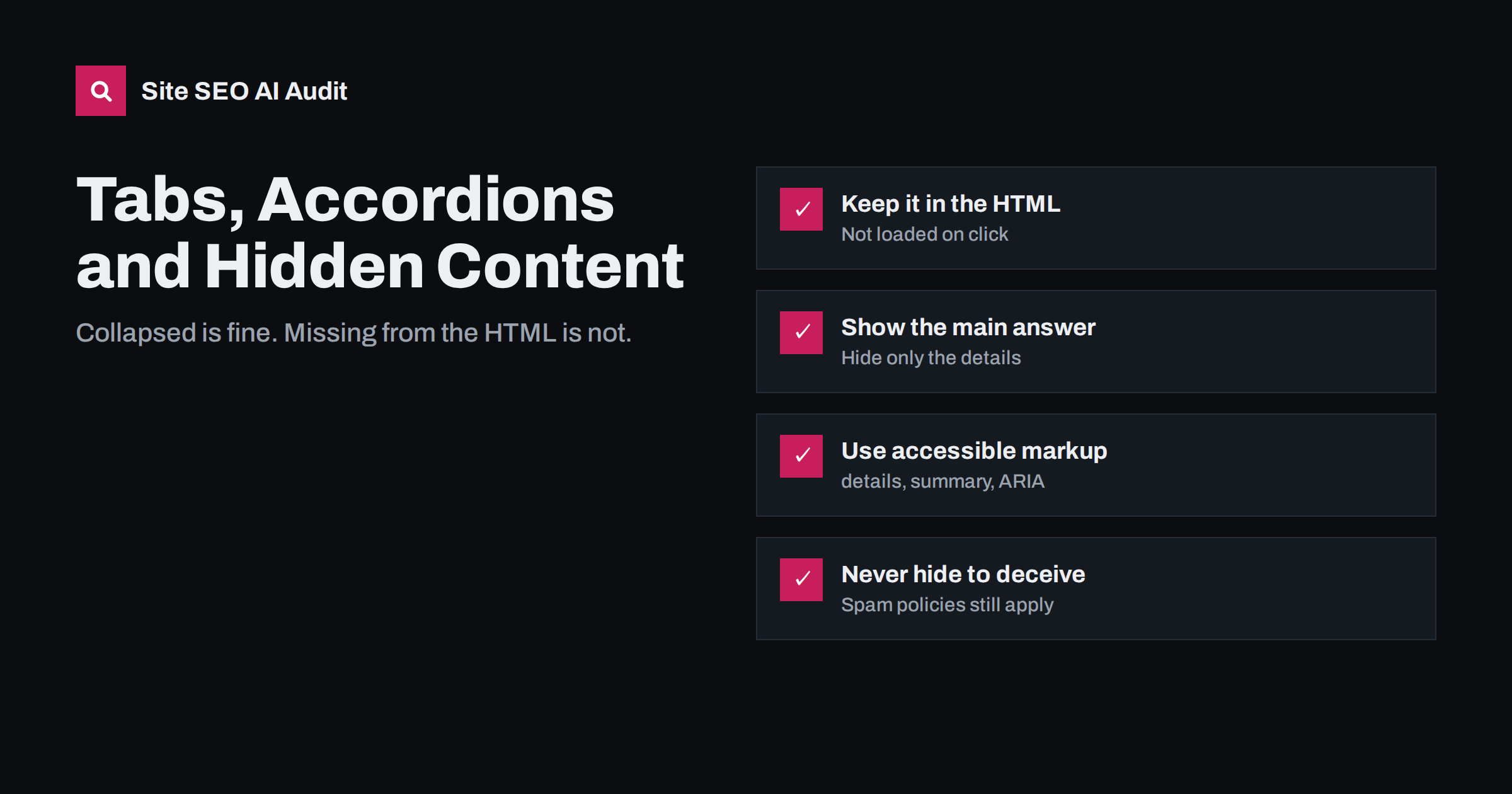
Short answer: yes, Google indexes and uses content inside tabs, accordions and “read more” toggles, as long as that content is present in the page’s HTML when it loads. Google has said that with mobile-first indexing, content collapsed for usability is treated like visible content. What does not work is content fetched only after a click, because crawlers do not click. Keep collapsed content in the HTML, show the most important answer openly, and never use hidden text to stuff keywords.
Why this question keeps coming up
Tabs and accordions are everywhere: product pages with “Description”, “Specifications” and “Reviews” tabs, FAQ sections that expand one question at a time, service pages with collapsible detail. They save space, especially on phones, and they make long pages easier to scan.
For years, SEO advice warned that search engines gave less weight to text that was not visible on load. That advice came from a time when desktop pages had plenty of room and hiding text was often a spam tactic. On small screens, collapsing content became a normal design pattern, and Google adjusted. Since the move to mobile-first indexing, Google has repeatedly said that content hidden in tabs or accordions for usability reasons is indexed and weighted normally. You can read the general rules on how Google renders pages in its JavaScript SEO documentation.
The old warning survives in audits and forum threads, which is why site owners still ask. The real risk today is not collapsing content; it is building collapsible content in a way that keeps it out of the HTML entirely.
Collapsed vs not loaded: the difference that matters
From a crawler’s point of view, there are two very different ways to build a tab or accordion:
- Collapsed but present: all the text is in the HTML (or rendered into the DOM when the page loads), and CSS or JavaScript only shows or hides it. Search engines see the text and can index it.
- Loaded on interaction: the panel is empty until a visitor clicks, at which point JavaScript fetches the content from the server. Crawlers generally do not click or interact, so the content never appears in what they index.
Many sites use the second approach without realising it, for example review widgets that load reviews on tab click, or “load more” buttons that fetch extra product details. If that content matters for search, move it into the initial HTML or render it on page load. Our guide to how search engines render JavaScript pages explains the rendering process in more detail.
How Google and other systems treat hidden content
A quick summary of what is known, without overstating it:
| System | Collapsed content in the HTML | Content loaded on click |
|---|---|---|
| Google Search | Indexed and, under mobile-first indexing, treated like visible content | Not seen, because Googlebot does not click |
| Bing | Generally indexed when present in the HTML | Not seen |
| AI crawlers | Seen if present in the raw HTML; many do not run JavaScript | Not seen |
| Snippets and AI answers | Can be quoted from collapsed sections | Cannot be quoted |
The row about AI crawlers deserves attention. Many AI crawlers read only the raw HTML the server sends. If your accordion content is injected by JavaScript after load, even without a click, it may be invisible to them. Our article on why AI crawlers miss JavaScript content covers how to check.
When hidden content is a problem
Collapsing content is acceptable because it serves visitors. Hiding content to mislead search engines is not, and Google’s spam policies still cover hidden text and links. Warning signs include:
- Blocks of keyword-heavy text in a collapsed panel that visitors would never want to open.
- Text styled to be invisible, placed off-screen, or set to the same colour as the background.
- Long lists of towns, product names or search phrases tucked into a “more information” toggle.
- Content that differs between what search engines see and what users can ever reach.
The test is simple: would a real visitor who opens the panel find it useful? If yes, collapsing it is a design choice. If the panel only exists for search engines, it is a liability.
What to show openly and what to collapse
Even though collapsed content is indexed, visible content still does more work for visitors, and visitors decide whether the page answers their question. A few guidelines:
- Show the main answer. The core information the page is about, such as what a service includes or the key product benefits, should be visible without clicking.
- Collapse supporting detail. Specifications, shipping terms, long FAQs, technical notes and legal text are good candidates.
- Do not collapse your only heading structure. Headings inside accordions should still form a logical outline, with H2s and H3s in the right order.
- Open the relevant panel when linked. If you link to a specific FAQ answer, open that panel automatically so the visitor lands on visible text.
- Avoid tabs for content people compare. If visitors need to see two sections side by side, tabs make them click back and forth.
Our guide to what the first screen of a page should show helps decide what belongs in the visible part.
Common page types and how to handle them
The same principles play out differently depending on the page:
- Product pages: description, specifications, delivery and returns in tabs are fine. Make sure reviews, if they matter for search, are rendered in the HTML rather than loaded by a third-party widget after a click. Keep the short product description and price visible.
- FAQ pages and sections: accordions are a natural fit. Keep each answer short and complete, and consider leaving the first two or three questions expanded so visitors see the format immediately.
- Service pages: collapse process details, terms and edge cases, but keep what the service is, who it is for and how to get in touch in plain view.
- Documentation and help articles: collapsible code samples or troubleshooting steps work well, as long as a link to a specific step opens the right panel.
- Mobile navigation: hamburger menus are collapsed by nature. Links in them are still followed, but important pages should also be linked from the page content itself.
In each case, ask what the typical visitor came for and make sure that part does not require a click.
How to build tabs and accordions the right way
Good implementation serves search engines, AI crawlers and people using assistive technology at the same time:
- Use native HTML where possible. The
<details>and<summary>elements create an accordion without JavaScript, and the content is always in the HTML. - For custom components, follow accessibility patterns. Use buttons for toggles,
aria-expandedto announce state andaria-controlsto link a button to its panel. The MDN reference for the details element is a good starting point. - Hide with CSS, not by removing content. Toggling a class or the
hiddenattribute keeps the text in the DOM; rebuilding the panel from scratch on each click may not. - Keep content in the server response. Server-side rendering or static HTML guarantees that every crawler sees the text.
- Keep FAQ structured data honest. If you mark up questions and answers with FAQPage schema, the answers must appear on the page, collapsed or not.
How to check whether crawlers see your collapsed content
You can verify this in a few minutes per template:
- Open the page, right-click and choose “View page source”. Search for a sentence from inside a collapsed panel. If it is there, the raw HTML contains it.
- If it is not in the source, check the rendered HTML with the URL Inspection tool in Search Console, using “View crawled page”. If it appears there, Google sees it after rendering, but AI crawlers that skip JavaScript may not.
- Search Google for an exact sentence from the collapsed panel in quotes, combined with
site:yourdomain.com. A result showing the page confirms it has been indexed, though absence is not proof of a problem. - Repeat for each template type, such as product pages, FAQs and service pages, because each may use a different component.
How an audit helps
Site SEO AI Audit checks every page for content that needs JavaScript to appear, together with thin content, headings and structured data, so templates that hide important text from crawlers stand out across the whole site. On WordPress, each issue comes with fix steps in wp-admin. Run a free audit to see whether any of your templates depend on JavaScript for key content.
Related reading
- Mobile-First Indexing: What Must Match on Mobile and Desktop
- FAQ Sections That Work for Readers and AI Answers
- Table of Contents and Jump Links: When They Help Long Pages
The bottom line
Tabs and accordions are safe for SEO when the content inside them is in the HTML from the start and exists to help visitors. Keep the main answer visible, collapse supporting detail, build components with accessible markup, and make sure nothing important loads only after a click. Hidden text meant only for search engines remains a risk.
FAQ
Does Google index content inside accordions?
Yes, if the content is in the HTML or rendered when the page loads. Google has said that under mobile-first indexing, content collapsed for usability is treated like visible content.
Is text in tabs worth less for rankings?
Google has said it is not devalued when it is there for usability. Still, the main answer to the page’s topic should be visible, because visitors judge the page by what they see first.
Can collapsed content appear in featured snippets or AI answers?
Yes. Text inside collapsed sections can be quoted as long as crawlers can read it in the HTML. Content that only loads after a click cannot be quoted because it is never seen.
Is a “read more” link bad for SEO?
Not if the full text is already in the HTML and the link only expands it. It becomes a problem when clicking fetches new content from the server or takes the visitor to a different URL with the real content.
Are details and summary elements good for SEO?
They are a solid choice. The content is always in the HTML, they work without JavaScript, and browsers make them accessible by default.


