ENEnglish
 LTLietuviškai
 DEDeutsch
 FRFrançais
 RUРусский
 ESEspañol
 PLPolski
 ITItaliano
 UKУкраїнська
 CSČeština
 PTPortuguês
 JA日本語
JA日本語 LVLatviešu valoda
 ETEesti
 HUMagyar
 IDBahasa Indonesia
 TRTürkçe
 HIहिन्दी
 ELΕλληνικά
 ARالعربية
 THไทย
THไทย VITiếng Việt
 RORomână
 MSBahasa Melayu
 BNবাংলা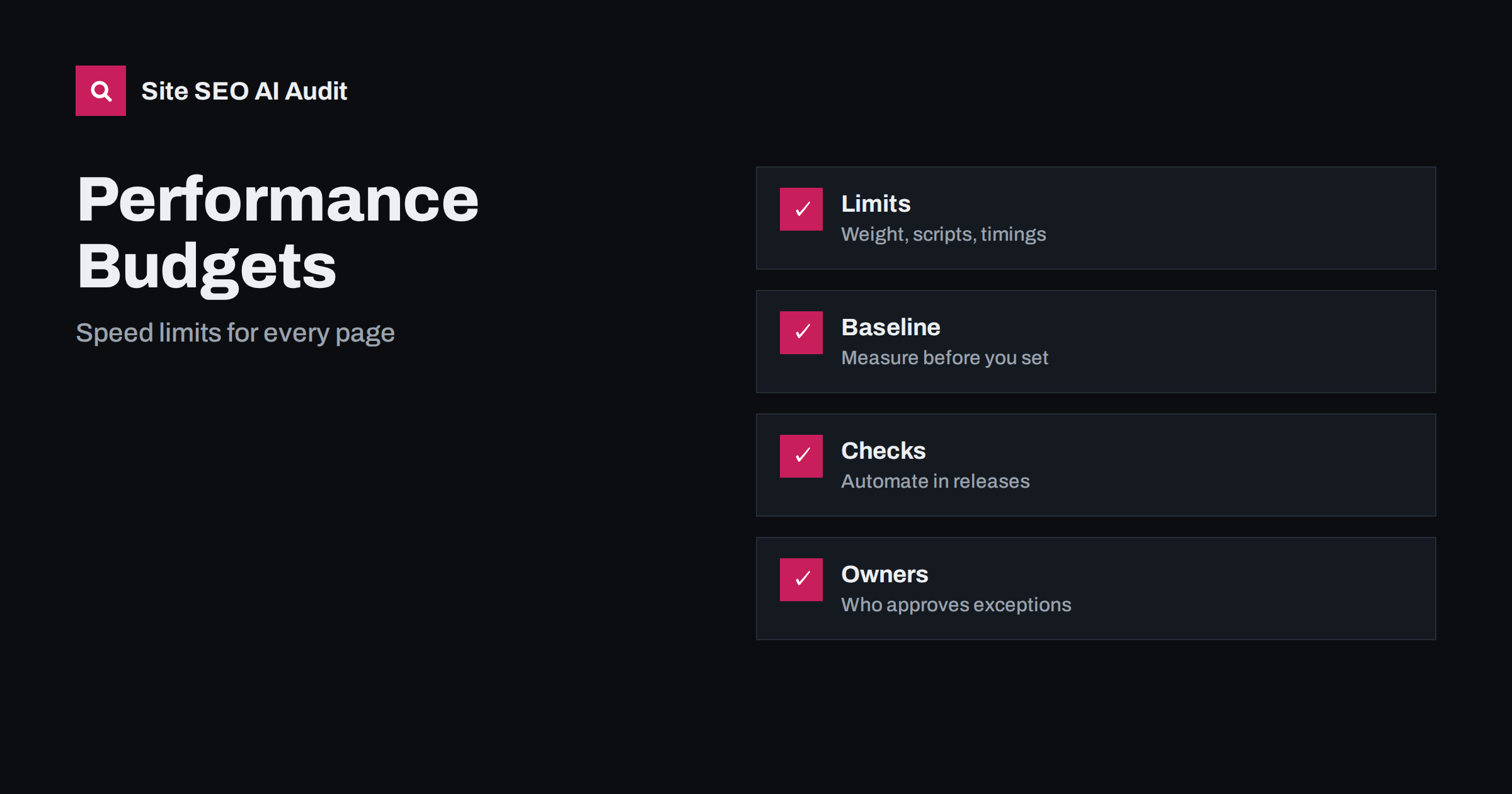
Short answer: A performance budget is a set of agreed limits for how heavy and slow your pages are allowed to become, such as a maximum amount of JavaScript, a maximum image weight, a cap on third-party scripts and target values for loading, responsiveness and layout stability. Teams set one because sites rarely become slow through one big mistake; they slow down through many small additions that nobody questions. To create a budget, measure your current pages with lab and field data, choose a few limits that match your goals, write them down per page type, check them automatically whenever the site changes, and decide in advance who can approve an exception and what must be removed to make room. A budget turns speed from an occasional clean-up into an everyday rule, which protects both user experience and search performance.
Many sites go through the same cycle. A redesign makes pages fast, then a chat widget, a new analytics tag, larger hero images, an extra font and a few plugins are added over months, and the site ends up slower than before. Each change looked harmless alone. Page speed affects visitors first, since slow and unstable pages lose people, and it also relates to search through the page experience signals and, above all, to the crawling and rendering of your content. This guide explains how to set budgets, which metrics to use, how to enforce them without slowing the team down and how to keep them realistic. It builds on the Core Web Vitals guide and works well with technical SEO monitoring.
What a performance budget contains
A budget can use three kinds of limits. Quantity limits cap resources: total page weight, JavaScript size, image size, number of requests, number of fonts or number of third-party domains. Timing limits cap user-centred metrics: Largest Contentful Paint, Interaction to Next Paint, Cumulative Layout Shift, time to first byte and similar. Rule-based limits cap a score or a count of issues, such as a minimum Lighthouse performance score or a maximum number of failed checks. Use a handful of limits that people understand, not dozens that nobody tracks. The Core Web Vitals thresholds published by Google for a good experience are an obvious starting point for timings: LCP within 2.5 seconds, INP within 200 milliseconds and CLS of 0.1 or less, measured at the 75th percentile of real visits.
Start from a baseline, not a guess
Do not copy another site’s numbers. Measure your own pages first. Collect field data from the Chrome User Experience Report through Search Console or PageSpeed Insights where available, and run lab tests on a sample of each page type: home page, category or listing, article, product or service, and checkout or contact. Record the weight of each resource type, the number of requests, the largest elements and the main scripts. Note which pages are already within targets and which are not. Understand the difference between lab and field data before comparing them, as explained in PageSpeed Insights: lab data versus field data. The baseline shows what is realistic and where the biggest gains lie.
Choose limits that match your goals
Set budgets per page type, because a product page with galleries and a text article have different needs. Tie each limit to a purpose: a cap on JavaScript supports responsiveness, a cap on image weight supports loading, and a limit on third-party scripts supports stability and privacy. Use your baseline and a target slightly better than your best current pages. Avoid values so strict that every release fails; a budget that is always ignored is worse than none. Review the limits twice a year as devices, networks and your site change. Many teams also set a rule that new additions must be balanced by removals, so that the total stays flat when a new feature arrives.
An example shows how this works in practice. A shop might write the following rules in its project notes: product pages must reach a good LCP on mobile in lab tests, the main script bundle may not grow without a review, every new hero image must be compressed and sized before upload, and no new third-party tag is added without an owner and a removal date. None of these rules needs special tools to start, and each can be checked in a minute. As the habit settles, replace the written rules with automated tests and add numeric limits taken from the baseline. Test the budget on mobile settings first, because a page that is acceptable on a fast desktop connection can fail badly on a mid-range phone.
Where the weight usually comes from
Know the usual culprits so that the budget points at the right things. Images are often the largest part of a page; compress them, size them correctly and use modern formats, as described in WebP and AVIF image formats. JavaScript from frameworks, tag managers, widgets and advertising delays interaction; audit it with the third-party scripts guide. Web fonts can block text or cause shifts, see web fonts and page speed. Heavy HTML, uncompressed responses and slow servers add delay, covered in page weight and compression and server response time. Render-blocking files are explained in render-blocking resources.
Automate the checks
A budget works only if it is checked without effort. Add automated tests to your build or deployment process that run a lab tool against key pages and fail or warn when a limit is exceeded. Tools such as Lighthouse can be run from the command line or in continuous integration, and many hosting platforms and monitoring services can send alerts. Check a few representative pages on every change and run broader crawls on a schedule. Store the results over time so you can see trends and link regressions to specific releases. Keep tests stable by using the same device and network settings, because lab results vary between environments and one run can be misleading, so rely on several runs or medians.
Communicate the budget in terms that everyone understands. Designers should know the maximum size and number of images a template can carry, writers should know how to prepare and upload pictures, and marketers should know that each tag has a cost. Add the rules to onboarding documents and to the checklist used before publishing. When someone proposes a feature, ask for an estimate of its effect on the main limits before work starts, not after launch, when removing it is expensive and political.
Decide who owns the budget and approves exceptions
Without ownership, budgets decay. Assign responsibility to a person or small group who can say no and yes. Define a simple exception process: a team that wants to add a heavy feature explains the business value, estimates the cost in kilobytes and milliseconds, and proposes what to remove or defer to make room. Marketing teams adding tags should follow the same path as developers adding code. Report the status in the same place as other key metrics, so that speed is part of normal discussions. Share wins, such as pages that improved after a clean-up, to keep motivation high and show that the limits serve users and revenue.
Combine lab tests with real user monitoring
Lab tests catch regressions before release, but only real visits show the experience of people on slower phones and networks. Use field data from Search Console and, if possible, your own real user monitoring to see the distribution of loading, interaction and layout metrics by page type, device and country. Compare the field data with your budget to learn whether the limits actually protect users, and adjust if not. Pay attention to the slowest quarter of visits, not only the average. When field metrics worsen while lab results look fine, check for new third-party scripts, changes in traffic mix or regional hosting problems. For specific fixes see fixing a slow LCP, improving INP and fixing CLS.
Checklist and audit
- A baseline of lab and field data for each main page type.
- A few clear limits for weight, scripts and the three Core Web Vitals.
- Automated checks on key pages with alerts for regressions.
- A named owner and a documented exception process.
- Regular review of images, fonts and third-party scripts.
- Field data checked monthly against the budget.
Site SEO AI Audit crawls your pages and checks Google PageSpeed data, LCP and CLS, server response, compression and page weight, then ranks the fixes by the points they add, which helps you decide where to set your first limits. The first audit of up to 200 pages is free; larger sites can see the pricing page.
Related reading
- Core Web Vitals Explained
- Page Weight and Compression
- Third-Party Scripts and Speed
- Technical SEO Monitoring
The bottom line
A performance budget keeps speed from eroding. Measure a baseline, choose a few limits per page type, check them automatically, give someone ownership and compare the results with real user data. With clear limits, every new feature has to earn its weight, and the site stays fast for visitors and crawlers.
FAQ
What is a good performance budget?
One based on your own baseline and goals. Start with Core Web Vitals targets, add limits for scripts and images, and tighten them as you improve.
How many metrics should a budget include?
Keep it small: perhaps four to six limits per page type. Too many rules are ignored, while a few clear ones are enforced.
Does a budget replace Core Web Vitals monitoring?
No. A budget prevents regressions before release, while field monitoring shows what real visitors experience. Use both.
Who should be responsible for the budget?
A named owner, often a developer or technical SEO lead, with support from marketing and design. Everyone who adds weight should follow the same process.
How often should I review the limits?
Review them at least twice a year, and after major redesigns, platform changes or shifts in your audience’s devices and networks.