ENEnglish
 LTLietuviškai
 DEDeutsch
 FRFrançais
 RUРусский
 ESEspañol
 PLPolski
 ITItaliano
 UKУкраїнська
 CSČeština
 PTPortuguês
 JA日本語
 LVLatviešu valoda
 ETEesti
 HUMagyar
 IDBahasa Indonesia
 TRTürkçe
 HIहिन्दी
 ELΕλληνικά
 ARالعربية
 THไทย
 VITiếng Việt
 RORomână
 MSBahasa Melayu
 BNবাংলা
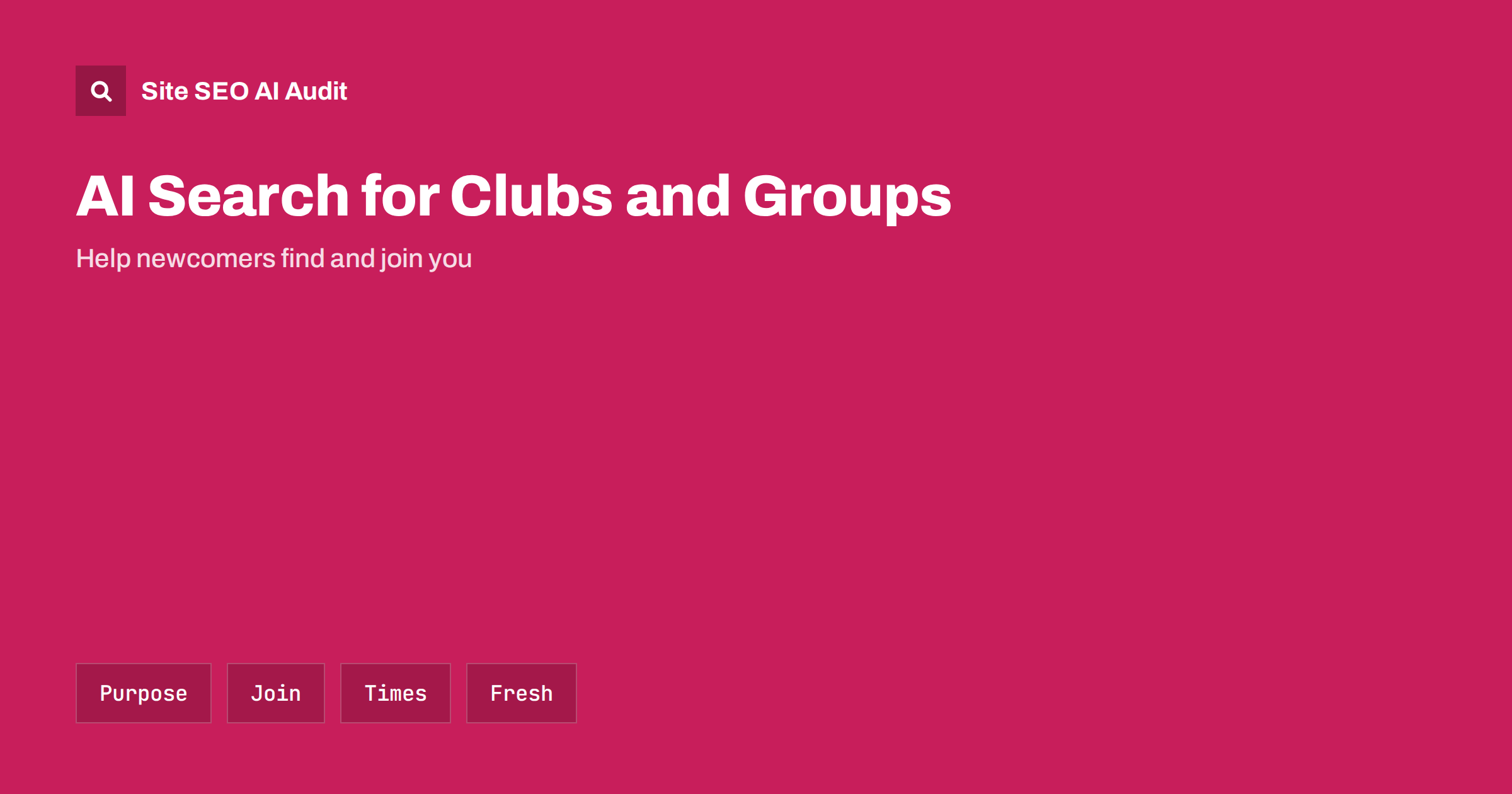
Short answer: People ask assistants for a chess club near them, a choir that accepts beginners, a hiking society for families or an association for their profession. Clubs and community groups are recommended when their website says plainly what the group does, who can join, what it costs, where and when it meets, how to make contact and what has happened recently. Many groups rely on social media pages alone, which assistants find harder to read and cite than a simple, current website.
Volunteer groups often have no marketing budget and little time. Their information lives in a chat group, a social page, a poster in a library and the memory of long-serving members. Newcomers cannot find any of it, and assistants cannot either. A small website with the right facts, kept up to date, makes a large difference. This guide covers what to publish and how to keep it manageable. It builds on the generative engine optimization guide and the local business guide.
Say what the group is
Start with a clear paragraph that states what the group is, what it does and who it is for. Name the activity and the level: a recreational badminton club for adults of all abilities, a society for amateur astronomers, a parents’ association at a primary school or a professional body for accountants. State the legal form if relevant, such as a registered charity or a non-profit association, and the year of founding. Avoid slogans. A newcomer, and an assistant, needs to know in two sentences whether this is the right place.
Use the same name everywhere, including abbreviations, and explain the abbreviation once. If the group changed its name, say so and mention the former name, which helps people who know it from earlier. Consistency across the website, social pages, directories and local listings makes the group easier to identify, as explained in the guide to entity SEO.
Explain who can join and how
Membership terms are the most common question after what the group does. Publish them plainly: eligibility, age limits, level of experience, fees and what they cover, how to apply, how long approval takes, whether there is a trial session and any rules about equipment or insurance. If there is a waiting list, say how it works. If membership is free, say so. Do not hide the price behind a request to contact the club, because many people leave when they cannot find a figure.
Describe what a new member can expect in the first weeks: the type of session, who will welcome them, what to bring and whether they can come with a friend. This kind of practical text answers questions that assistants receive in many forms, and it reduces the number of emails that volunteers must answer. Publish only terms that are true now, and update the page when they change.
Publish times and places
Give the address of each venue, with a map link, directions on foot and by public transport, parking, accessibility and a note about the entrance. List the regular schedule with days, times and the activity at each, in text, not in an image of a poster. If sessions change in school holidays or in summer, say so. A page that lists the next four or five sessions with dates is more useful than a general statement that the group meets weekly.
Mark up the organisation and events with structured data that matches the visible text, and add the group to relevant local listings with the same details. For the technical side of event pages, see the guide to event pages. Keep past events as an archive with short reports and photos, since they show that the group is active.
Show people and governance
Trust is important when the group involves children, money or personal data. List the committee or the main contacts, with names and roles, and a way to reach them that does not depend on a single person’s private address. Explain how decisions are made, how the accounts are published if the group is a charity or association and where to find safeguarding or conduct policies where relevant. Link to the registration entry of the group in the official register of your country, if one exists. Without doing this, newcomers hesitate, and assistants have less reliable signals to quote.
Write short profiles for coaches, leaders and teachers with their qualifications, where true and relevant. This supports the credibility signals discussed in the guide to E-E-A-T and AI search.
Keep news fresh
A site that says the last news was posted three years ago looks abandoned, and assistants may prefer a more active source. Publish short, regular updates: results, outings, new members, fundraising, meeting notes and announcements. Date every post. Even two or three posts a month are enough. Choose a person to own this task and a simple template to follow. If the group posts mostly on social media, copy the key items to the website, since social pages often cannot be read by crawlers and disappear from view as new posts replace old ones.
Review the website at the start of each season. Check the schedule, fees, contacts and the committee list. Outdated details are worse than missing ones, because they send people to a closed room or a dead telephone number. The idea of updating dates honestly is discussed in the guide to content dates and freshness.
Questions to answer on the site
Add a short FAQ based on the questions you receive. Typical ones include whether beginners are welcome, whether children can join, what to wear, how much a trial session costs, whether there is insurance, how to leave or pause membership, how to volunteer and whether non-members can attend events. Write each answer as a complete statement, since a quoted answer may appear alone. The structure of such sections is covered in the guide to FAQ sections and AI answers.
Associations and professional bodies
Bodies that represent a profession or an industry have extra content to publish: membership categories and criteria, codes of conduct, training and certification, member directories, standards and position statements. A public directory of members, with the consent of those listed, lets assistants recommend a qualified person in a city, and gives the association a role that individual sites cannot replace. Keep the directory searchable by place and speciality, with a page for each member that includes facts and a contact route, and review the data regularly.
Publish guidance for the public: how to choose a member, what to expect from a service and how to complain. This kind of explanation is quoted in answers and builds the association’s reputation as an authority. Cite sources for factual claims.
Practical constraints of volunteer groups
Volunteer time is limited, so choose a simple platform and avoid complexity. A small site with a handful of pages, clear text and a calendar can be maintained by one person in an hour a month. Document how to log in and what to update, store credentials in a safe shared place, so that the site does not die when one volunteer leaves, and make sure that the domain and hosting are registered to the group and not to an individual. Back up the site, and keep the personal data of members out of public pages. Photographs of children and members need consent and care.
Check that crawlers can read the site. Do not block AI crawlers by accident, and avoid putting key information only in images or in embedded documents. The controls are described in the guide to AI crawlers and robots.txt.
Here is a short example. A local choir shared everything on a social page: rehearsals, concerts and a message to contact a member for details. A newcomer who asked an assistant for a beginner-friendly choir in the town received a different group’s name. The choir built a one-page website with a description of its repertoire, a note that no audition was required, the rehearsal time and place, the fee per term, the conductor’s profile, the next three concerts and a short FAQ. A few months later several new singers mentioned they had found the choir through an assistant, and the committee had fewer repeated questions to answer.
Another example is a regional hiking society that listed its walks in a monthly newsletter in a PDF. Moving each walk to its own page, with distance, difficulty, meeting point, transport, date and leader, let people and assistants answer questions such as which family walk is available next weekend. The PDF remained as a printable version, but the pages became the source of record.
Site SEO AI Audit crawls a small site in minutes and checks status codes, titles, descriptions, broken links, structured data, speed and AI visibility settings, which helps a volunteer team find what needs fixing without technical knowledge. It does not manage membership or events. The first audit of up to 200 pages is free, and the pricing page shows plans for larger sites.
Related reading
- AI Search for Nonprofits
- AI Search for Schools and Education Providers
- AI Search for Events, Weddings and Creatives
The bottom line
Groups get recommended when a simple, current site states what they do, who can join, costs, times, places, people and recent news in plain text.
FAQ
Is a social media page enough?
Not on its own. A simple website is easier for assistants to read and keeps key facts stable.
What should a club publish first?
What the group does, who can join, the cost, the schedule, the place and a contact route.
How often should the site be updated?
Review it every season and post news a few times a month, with dates on everything.
Should I list committee names?
Yes, with roles and a shared contact route, since it builds trust for newcomers.
How do I keep the site alive when volunteers change?
Register the domain to the group, document the steps and share access safely among several people.