 ENEnglish
 LTLietuviškai
 DEDeutsch
 FRFrançais
 RUРусский
 ESEspañol
 PLPolski
 ITItaliano
 UKУкраїнська
 CSČeština
 PTPortuguês
 JA日本語
JA日本語 LVLatviešu valoda
 ETEesti
 HUMagyar
 IDBahasa Indonesia
 TRTürkçe
 HIहिन्दी
 ELΕλληνικά
 ARالعربية
 THไทย
THไทย VITiếng Việt
 RORomână
 MSBahasa Melayu
 BNবাংলা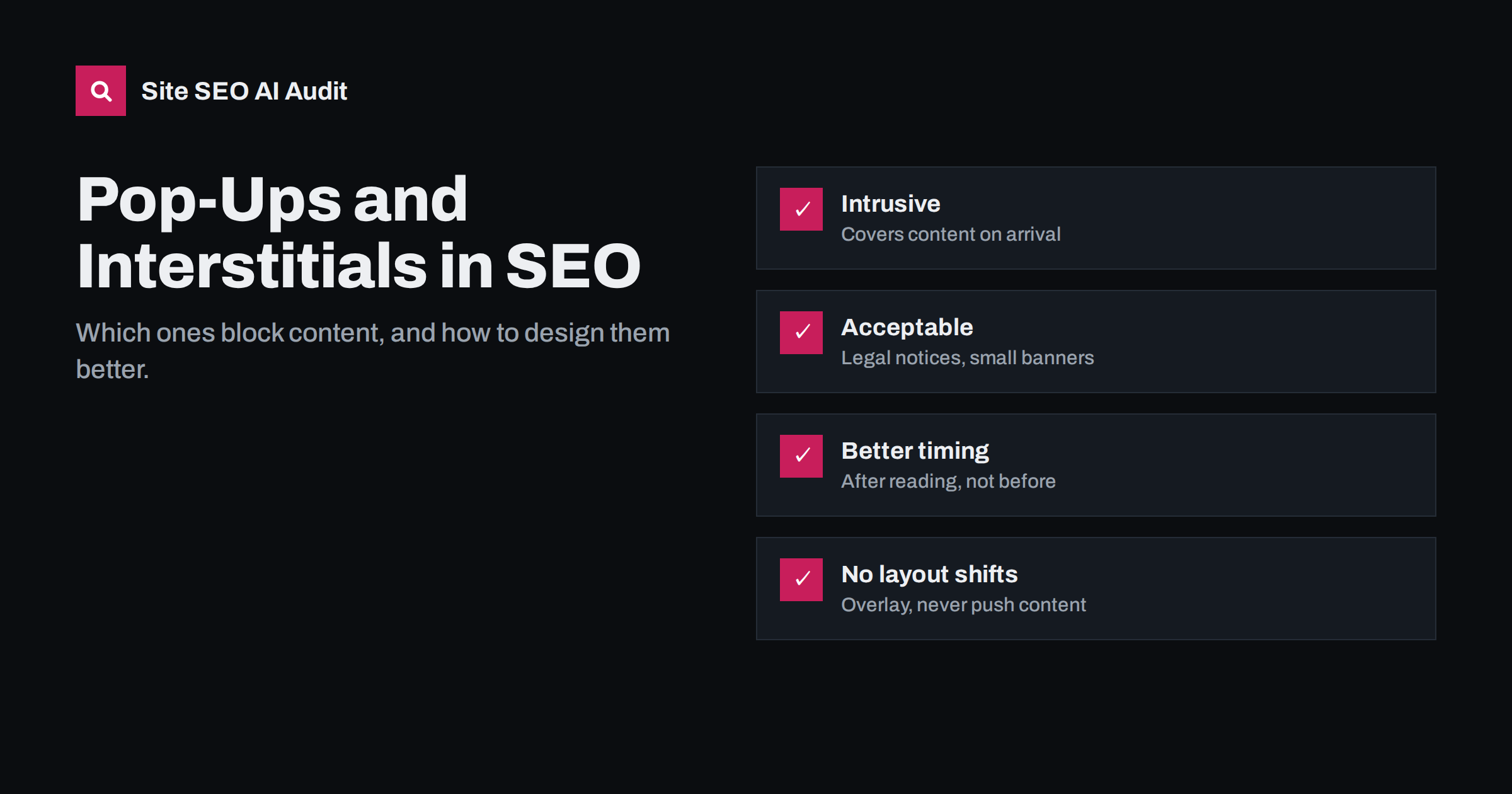
Short answer: Pop-ups become an SEO problem when they block the main content right after a visitor arrives from search, especially on mobile: full-screen interstitials, dialogs that must be closed before reading, or layouts where the first screen is taken up by a promotion. Google advises against such intrusive interstitials. Legally required notices, login dialogs for private content and small banners that use a reasonable amount of space are generally fine. Show promotional pop-ups later, keep them small on mobile, make them easy to close and make sure they do not shift the page layout.
What counts as an intrusive interstitial
An interstitial is anything that appears over or before the content a visitor wanted to see. Google’s Search documentation describes intrusive interstitials as elements that make content less accessible, and gives typical examples:
- A pop-up that covers the main content immediately after the visitor lands on the page from search, or while they are reading it.
- A standalone interstitial that the visitor must dismiss before reaching the content.
- A layout where the part above the fold looks like an interstitial, and the actual content starts below it.
The key idea is the visitor’s first impression. Someone clicked a result because the snippet promised an answer. If a newsletter sign-up, app download prompt or discount offer stands between them and that answer, the page fails its purpose, at least for a moment.
Mobile makes this worse. A dialog that covers a third of a desktop screen can cover the entire screen of a phone, and small close buttons are hard to tap. That is why most guidance on interstitials focuses on mobile visitors arriving from search, and why testing on a real phone matters more than checking the desktop version.
What is generally acceptable
Not all overlays are treated the same way. Some serve a legitimate purpose and are expected by users:
- Legal obligations: cookie consent notices and age verification where the law requires them.
- Login dialogs on content that is genuinely private or behind a subscription, where the content is not publicly indexable anyway.
- Small banners that take a reasonable share of the screen and are easy to dismiss, such as a slim bar at the top or bottom.
Even acceptable elements can be implemented badly. A cookie notice that covers the whole mobile screen and hides the close option is technically legal but still frustrating. Design them to be clear and compact. For age verification, show the check only where the law requires it, not on every page of the site, and keep informational pages accessible where that is allowed.
How pop-ups affect search and users
Intrusive interstitials have been part of Google’s page experience considerations, which also include Core Web Vitals and HTTPS. Google has not published how much weight each factor carries, and relevance and content quality remain far more important. In practice, the damage from aggressive pop-ups tends to come through several channels at once:
- User behaviour: visitors who hit a wall often return to the results and choose another page.
- Layout shifts: banners that push content down after the page has rendered increase Cumulative Layout Shift. See how to fix CLS.
- Responsiveness: heavy pop-up scripts compete for the main thread and can hurt Interaction to Next Paint, as described in improving INP.
- Largest Contentful Paint: a large pop-up can itself become the largest element, or delay the real content.
- Conversions: a pop-up that annoys visitors before they have seen any value rarely converts well.
Content hidden behind a pop-up is usually still in the HTML, so crawlers can read it. The main risk is to the visitor’s experience and the signals that follow from it, not to indexing.
Common pop-up types compared
| Pop-up type | Typical timing | Risk | Better alternative |
|---|---|---|---|
| Full-screen newsletter or offer on arrival | Immediately | High | Inline sign-up box or delayed slide-in |
| App install interstitial | Immediately on mobile | High | Small banner with a link to the app store |
| Cookie consent notice | Immediately | Low if compact | Bottom bar or small dialog |
| Exit-intent pop-up on desktop | When leaving | Low | Keep it, but limit frequency |
| Scroll-triggered slide-in | After reading part of the page | Low to medium | Small, corner position, easy to close |
| Chat bubble | Immediately | Low | Keep it small, load the script lazily |
Design rules for pop-ups that do not hurt
If a pop-up supports your business goals, you can usually keep it with a few adjustments:
- Delay it. Show promotional pop-ups after the visitor has read part of the page, spent some time on it or visited a second page, not on arrival.
- Keep it small on mobile. A slide-in or bottom bar that leaves most of the content visible is far less intrusive than a full-screen dialog.
- Make closing obvious. A clearly visible close button, a tap outside the dialog and the Escape key should all work.
- Use overlays, not inserted blocks. Position banners so they overlay the page instead of pushing content down, which avoids layout shifts.
- Cap the frequency. Do not show the same pop-up again to someone who has already closed it or signed up.
- Exclude sensitive pages. Checkout, contact forms, support articles and landing pages from ads usually work better without interruptions.
- Keep it accessible. Move keyboard focus into the dialog, return it afterwards and label the close button for screen readers.
Alternatives that still convert
Pop-ups are popular because they are easy to add and visible in reports. Often, less intrusive elements achieve similar results with fewer side effects:
- Inline sign-up boxes placed after the first useful section of an article, where readers have already seen value.
- Content upgrades: a checklist or template directly related to the article, offered in the text where it is relevant.
- End-of-article calls to action that suggest the natural next step, such as a demo, a quote or a related guide.
- Sticky but slim bars at the bottom of the screen with one short message and a button.
- Dedicated landing pages for offers, linked from navigation and relevant articles, instead of promoting the offer on every page.
Test alternatives against the existing pop-up for a few weeks and compare both conversions and engagement. Many sites find that a well-placed inline offer converts nearly as well, while pages stay faster and more pleasant to read.
The first screen still matters without pop-ups
Even without an overlay, a page can behave like an interstitial if the first screen is filled with a huge hero image, a promotional banner and a cookie bar, and the actual answer starts below. Searchers should see the page’s main heading and the start of the content on the first screen, especially on mobile. Our guide to above-the-fold content covers what the first screen should show, and the landing page guide explains how to balance conversion elements with content.
How to test your pages
Pop-ups often behave differently for different visitors, so test deliberately:
- Open key pages in a private window on a real phone, arriving from a search result rather than typing the URL, since some tools trigger pop-ups based on the referrer.
- Note what covers the content in the first few seconds and how easy it is to close.
- Record a page load in browser developer tools and look for layout shifts caused by banners.
- Check field data for CLS and INP in PageSpeed Insights or Search Console for templates with pop-ups.
- Review the pop-up tool’s settings for triggers, frequency and page exclusions after every campaign change.
Marketing tools are often configured by different people than the website itself. A quarterly review of all active pop-ups, similar to a tag manager review, prevents a gradual build-up of interruptions.
How Site SEO AI Audit helps
Site SEO AI Audit does not judge the design of pop-ups, but it measures their side effects. Its speed area uses Google PageSpeed data and reports LCP and CLS for your pages, which is where heavy or badly positioned pop-ups usually show up, and it checks page weight across the site. Comparing audits before and after a pop-up change shows whether the page got faster and more stable. You can start with a free audit of your website.
Related reading
- Core Web Vitals Explained: LCP, INP and CLS in Plain Words
- Mobile-First Indexing: What Must Match on Mobile and Desktop
- Paywalls, Logins and Gated Content in AI Search
The bottom line
Pop-ups that block the main content as soon as a searcher arrives, especially on mobile, are the ones that hurt. Legal notices, login dialogs for private content and small banners are generally fine. Delay promotional pop-ups, keep them compact, make them easy to close, overlay rather than push content, limit how often they appear and check your Core Web Vitals after each change.
SSS
Do pop-ups hurt SEO?
Intrusive pop-ups that cover the main content on arrival, particularly on mobile, can hurt the user experience and are discouraged by Google. Small, delayed and easy-to-close pop-ups are generally not a problem.
Are cookie consent banners a problem for SEO?
No, legally required notices are generally acceptable. Keep them compact, easy to use and positioned so they do not hide the main content or cause layout shifts.
Are exit-intent pop-ups safe?
They are usually low-risk because they appear when the visitor is leaving rather than when they arrive. Limit how often they appear and make them easy to close.
Can Google read content behind a pop-up?
Usually yes, because the content is still in the HTML. The concern is not indexing but the experience of visitors who cannot see the content they came for.
Do pop-ups affect Core Web Vitals?
They can. Banners that push content down increase CLS, heavy pop-up scripts can hurt INP, and a large pop-up can become the LCP element or delay it.


