ENEnglish
 LTLietuviškai
 DEDeutsch
 FRFrançais
 RUРусский
 ESEspañol
 PLPolski
 ITItaliano
 UKУкраїнська
 CSČeština
 PTPortuguês
 JA日本語
 LVLatviešu valoda
 ETEesti
 HUMagyar
 IDBahasa Indonesia
 TRTürkçe
 HIहिन्दी
 ELΕλληνικά
 ARالعربية
 THไทย
 VITiếng Việt
 RORomână
 MSBahasa Melayu
 BNবাংলা
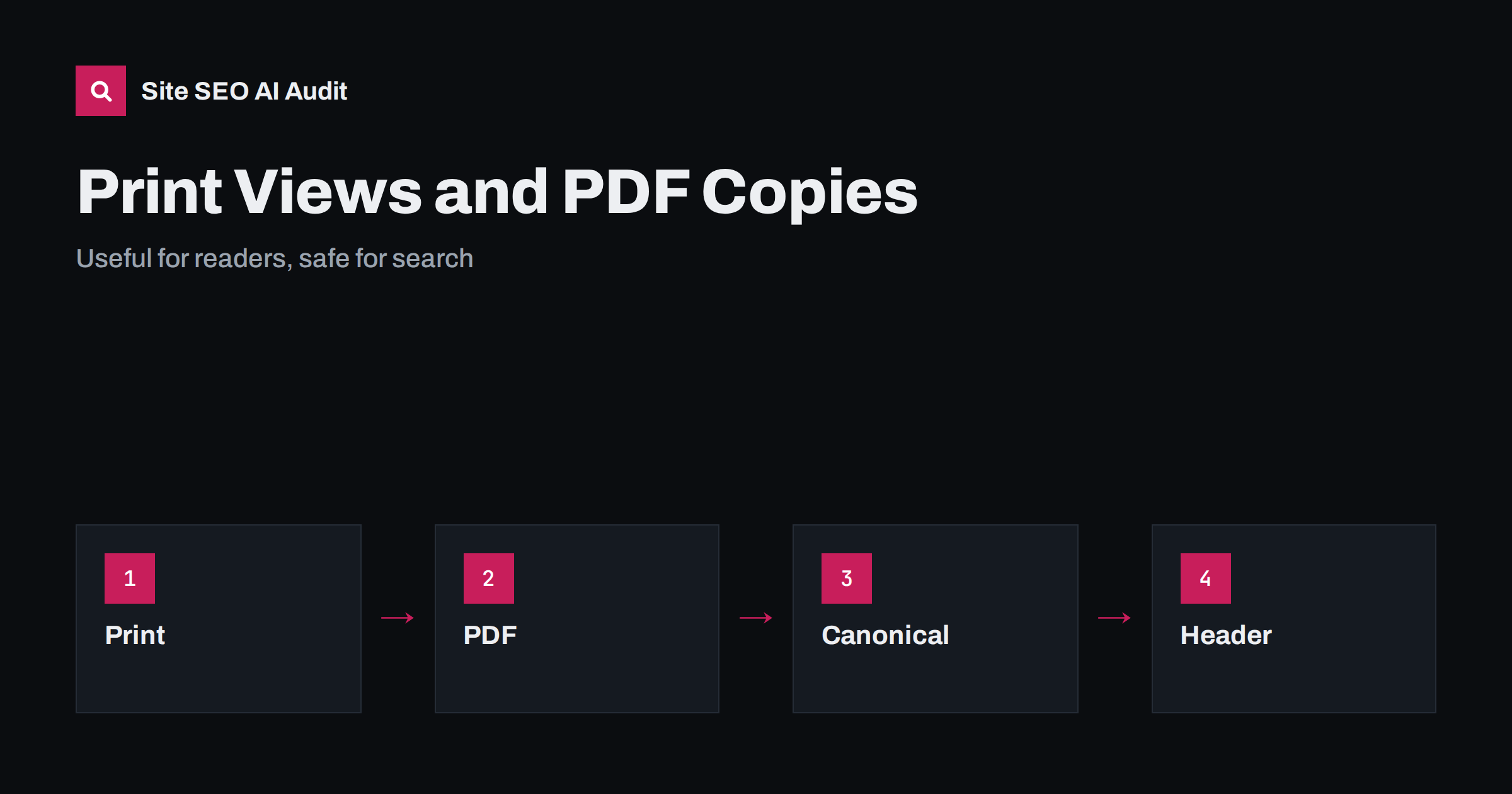
Short answer: Printable pages and PDF copies of web pages can create duplicate content if they are separate, indexable addresses with the same text. The best way to offer printing is a print style sheet on the same page, with no extra address. If you publish PDF copies, decide whether they should be found in search. If not, send a noindex header for the files or point them to the web page as the preferred version. If they are original documents, keep them indexable.
Readers like to print recipes, instructions, tickets, price lists and guides, or to save them as documents. Websites have long supported this with a print button that opens a clean version, or with a downloadable PDF of the page. These conveniences can accidentally create a second copy of every page. Search engines then have to decide which version to show, and the result may be a plain PDF in the results where you would prefer your page with navigation, branding and links. This guide explains the risks and the options. For the general topic of duplicates, see the guide to URL parameters and duplicate content.
Where the copies come from
There are three main sources. The first is a dedicated print address, such as the same page with a print parameter or a print folder, which loads a simplified layout. The second is a generated PDF, created by a plugin, a script or a service from the content of the page. The third is a manually created PDF, such as a brochure or a manual, that also exists as a web page. A fourth source is AMP-style or reader-style versions created by systems for special devices, which are mostly historic, as discussed in the guide to removing AMP pages.
In each case, the same text exists at two or more addresses, and crawlers can find them through links, sitemaps or plugins that add a visible download button.
Why duplicates matter here
Search engines try to group duplicates and show one version, but they may choose the wrong one. A print view or a PDF may appear in results with no menu, no related links and no call to action, so visitors who land there cannot easily move to the rest of the site. Signals such as links and shares may be divided between versions. Crawling capacity can be wasted if there are thousands of copies, a point that matters for large sites and is discussed in the guide to crawl budget.
In the age of AI answers, duplicates can also cause the wrong address to be cited. A link to a bare PDF in an answer is a poorer experience than a link to the full page. See the guide to duplicate pages and AI citations.
The cleanest option: print styles
The simplest and best way to support printing is a print style sheet. It uses the same page and changes only how it looks when printed: hides menus, ads and buttons, uses a readable font size, shows the full address of links if needed and avoids awkward page breaks. There is no new address, so no duplicate. Most modern sites should do this and drop separate print views.
Test by printing or saving a page as a PDF from the browser, on desktop and phone. Check images, tables and long code blocks, and make sure that the page prints on a reasonable number of sheets. Add a visible print button only if it helps, and let it call the browser’s print function.
If you keep print addresses
If a separate print address already exists and you cannot remove it quickly, make sure it points to the main page with a canonical tag, so that search engines know which version to prefer. The tag is a hint, not a command, but it works well for exact or near duplicates, as explained in the guide to canonical tags. Alternatively add a noindex tag, but do not block the print address in robots.txt together with a canonical or noindex, because the crawler would not be able to see the instruction. The differences are in the guide to noindex and disallow.
Remove links to print addresses from the sitemap, and avoid linking to them from the main navigation. Plan to replace them with print styles when you next change the templates.
PDF files: index or not?
Decide for each type of PDF whether it should appear in search. Original documents that have value on their own, such as manuals, white papers, reports and forms, may deserve to be found, and they can rank well. Copies of web pages generally should not. For the second group, use the preferred approach: either do not offer a PDF at all, or keep it out of the index, or make it clear which version is the main one.
A PDF cannot carry a meta tag, but it can send a header with the same instruction, as described in the guide to the X-Robots-Tag header. You can also use a link header with a canonical to the web page for a file. Check that your server or content delivery network supports it, and test the result. Original PDFs that stay indexable should be built well: a clear title in the file properties, readable text rather than scanned images, headings, descriptive file names and links back to your site, as covered in the guide to PDFs, images and video in AI search.
Languages and versions
If you provide the same PDF in several languages, each file is a separate document, and you can state their relationship with hreflang in HTTP headers or in the sitemap, because PDFs have no head section. See the guide to hreflang for non-HTML files. Name the files clearly, for example with the language in the name, and make sure the page that links to each file says which language it is in.
Also think about versions. An old price list or manual may remain in search long after a new one is published. Replace the file at the same address when possible, or redirect the old address to the new one, so that visitors do not download outdated information. Remove obsolete files that should no longer be used.
Forms, tickets and private documents
Some PDFs are transactional: tickets, invoices, confirmation letters and forms with personal information. These should never be in search. Keep them behind a login, use unguessable addresses and send a noindex header as a second layer. Do not rely on robots.txt for privacy, since a blocked address can still appear if it is linked from elsewhere, and the file itself is still publicly reachable. Check from time to time whether any sensitive file has been indexed, using search operators and Search Console reports.
How to find and fix existing copies
Crawl the site and list URLs that contain print parameters or end with a document extension. Look in Search Console for indexed PDFs and print pages, and compare them with the web pages they copy. Check which links on your site lead to them. Then choose one rule per type: remove, canonicalise, noindex or keep. Apply it consistently, update internal links and the sitemap and check again after a few weeks. Keep a note of the decision for the next redesign.
Accessibility and user needs
Some readers need a document for good reasons: they have poor connections, they work offline, they use assistive tools or they must file or share something with a colleague. Do not take away useful downloads just to tidy the index. Instead, make sure that the web page is the primary version and that any download is tagged, readable and linked from the page with a clear label that states the format and the size. A PDF built with proper headings, text and alternative descriptions for images works better for screen readers than a scan.
Keep the file names meaningful and stable, and say which web page the file belongs to. If the document is updated, show the date inside it, because a downloaded copy has no link to tell the reader that a newer version exists.
Here is a short example. A recipe site had a print button that opened a stripped-down version at a separate address. Search results showed the print version for many recipes, and visitors could not move to other recipes. The team replaced the button with a print style sheet, redirected the old print addresses to the recipe pages and removed them from the sitemap. Within weeks, the main pages replaced the print versions in results.
A second example is a manufacturer that offered a PDF of each product page. It decided to keep the PDFs for the technical datasheets, which were original documents, and to stop generating PDFs of the marketing pages.
Site SEO AI Audit crawls your website and reports canonical tags, noindex, duplicate content, sitemap issues, redirects, broken links and status codes, which helps you find print views and duplicated pages. It does not inspect the contents of PDF files or send headers for you. The first audit of up to 200 pages is free, and larger sites can see the pricing page.
Related reading
- Cross-Domain Duplicate Sites
- Help Centres and Documentation for AI Answers
- Newsletter Archives and SEO
The bottom line
Offer printing with a style sheet, keep only original PDFs in search and point every copy to the version you want people to see.
FAQ
Are printable pages bad for SEO?
Not by themselves, but a separate indexable address with the same text creates a duplicate. Use a print style sheet instead.
Can a PDF rank in search?
Yes. Original PDFs with good text and titles can rank, while copies of web pages are better kept out of the index.
How do I noindex a PDF?
Send an X-Robots-Tag header with noindex for the file, since PDFs cannot hold a meta tag.
Should I block PDFs in robots.txt?
Blocking prevents crawlers from reading the file, and it does not guarantee that the address stays out of results. A noindex header is clearer.
What about private documents?
Keep them behind a login with unguessable addresses and add a noindex header as a second layer.